Forum Discussion

HenrikIvarsson
4 months agoCommunity Member
Wierd behavior when copying in Scenes...
Hello,
Ive been building a course in different languages, because there is a lot off graphic content that needs to be different for different languages, and our LMS doesnt separate by language. Im...

StevenBenassi
4 months agoStaff
Hi HenrikIvarsson!
Great to see the community has been helping you.
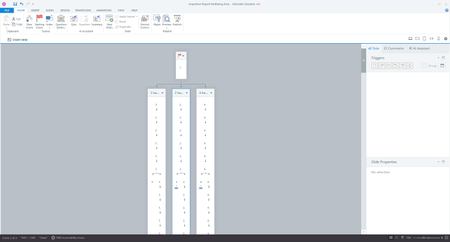
I can confirm we have this behavior logged as a bug in Storyline 360. This bug causes Slides to randomly change position when clicked several times in Story or Slide View. This issue occurs more frequently with non-linear style courses.
I've included your voice in the bug report so we can notify you as soon as a fix is in place. As a workaround, clicking the Undo button or pressing CTRL+Z can help revert the unexpected changes.
Thanks for your patience. I'm sorry if this has been slowing you down!
Related Content
- 3 months ago
- 1 year ago