Forum Discussion

New in Labs: Hyperlink Enhancements
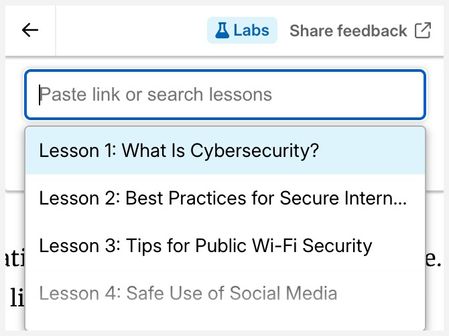

To tack onto it...use case....
I use Carousel for step-by-step instructions in quick-reference guides. (I like it better than Process because you get a bit more room for text, larger images, the horizontal movement is a little more subtle, and the block doesn't force its way to the top of the screen which can be dizzying. But I digress.)
Anyway, the images are of software forms with lots of fields. There's always a balance to calculate between having 15 instruction lines under the image, or six of the same image (...cont'd...) to address all the fields in an area of the application screen. Especially if several of those fields require some cautions or additional explanation.
I usually address that stuff prior to the walk-through, but a reminder at picture 10 would be nice; they might have forgotten by then. So the idea is a "click the image to learn more" hyperlink to a reference page, with expanded explanation dedicated to the fields visible in that image. Now I only need one image and a couple of lines.
But once on that page, how to get the user back to the carousel to continue.
Option 1: Ability to return to the carousel via anchor on the page...or..better...return to that image in the carousel. (That's probably asking for the moon.)
Option 2: Hyperlink options with "Open in separate window" (_blank) ability, so the page opens in its own browser window. That's something I can try next.
Option 3: (the moon again) A way to have labeled graphics embedded in the carousel. Now I can add opt-in caution notes or reminders for specific fields.
Thank you so much for taking time to describe these use cases. This is very helpful. Our team will be sure to discuss this in context with the other feedback we're receiving. We are watching the feedback survey closely. Please continue to share your feedback as new ideas come to mind.
Related Content
- 3 months ago
- 3 months ago
- 4 months ago