quiz
32 TopicsStoryline: Gamified Quiz Template With Timer
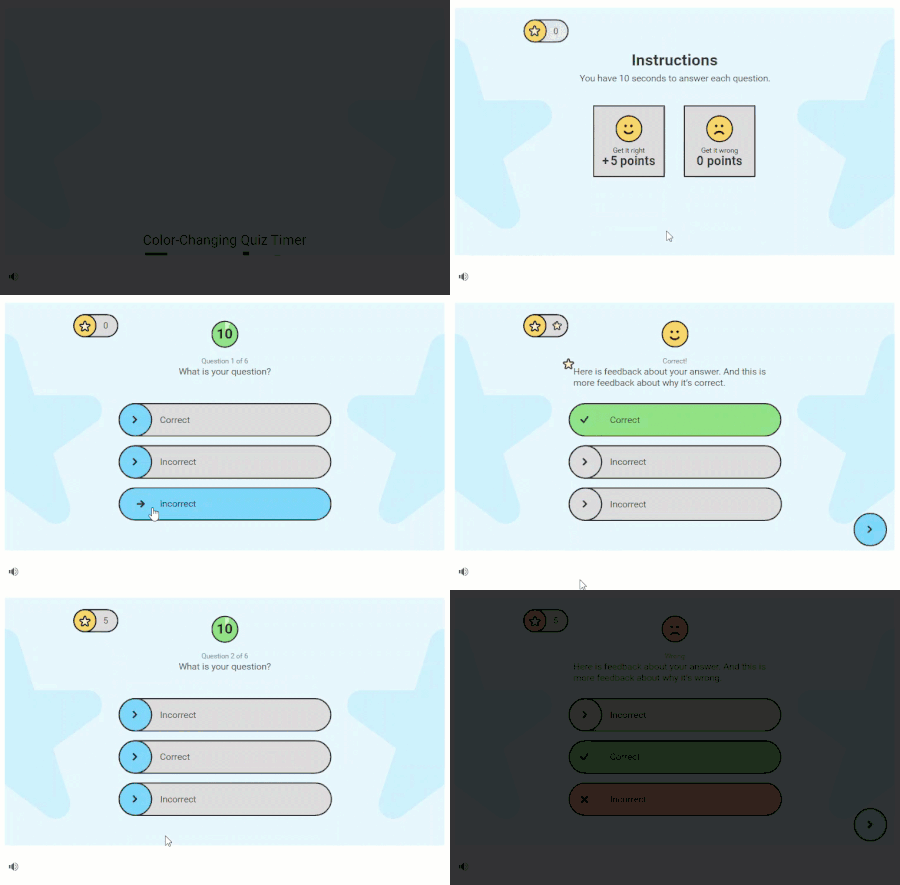
Have learners race against the clock in this fun, game-like quiz. This Storyline 360 template includes a color-changing timer to signal when time is running out and built-in slide number variables so you can add or remove questions without having to renumber them. Download the fonts Roboto and Roboto Black to get the same look and feel. View project in action.10KViews15likes67CommentsFeelings Pulse
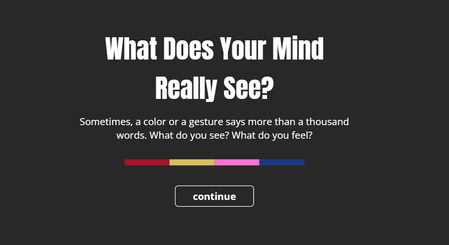
This is an interactive experiment using poll-style questions within a video. It’s designed to describe emotions through colors and characters, using four simple questions. Each question is linked to a color — Red, Yellow, Blue, and Pink — and presents a few emotional choices for you to pick from. You’ll only be able to select one answer per question, and only once per session. Your response is saved anonymously and added to the overall results. At the end, you’ll see how others have answered as well. This isn’t based on any scientific research — it’s just a creative way to reflect on emotions and try out interactive video features. Thank you for being part of it. Feeling PulseAdvanced Storyline? Creative Way to Use Button Sets w/ Quizzes
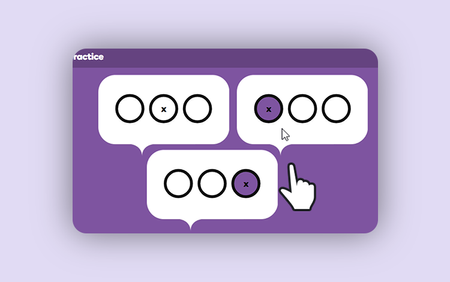
Discover how advanced Articulate Storyline skills aren’t limited to complex variables or JavaScript. In this tutorial, you'll learn a clever technique using button sets in Articualte Storyline 360 to create multiple quiz questions on a single slide.720Views4likes0CommentsGerman cakes
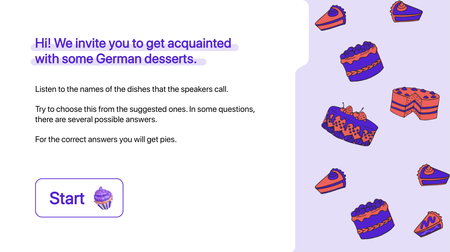
This week, I revisited one of my past projects — an interactive listening comprehension exercise I created in Storyline. I was amazed by how powerful Storyline is for developing interactive language-learning content, and how quickly you can build it! View an example About Me Kate Golomshtok Website Email LinkedInPush vs Pull E-Learning
About the Project I previously posted this entry for the Asking vs. Telling: Creating Interactive E-Learning #455 challenge and am now reposting it for this challenge as well, as it perfectly fits the theme. In this example, we’ll explore onboarding at a fictional company, where new employees need to understand the company’s core values. We’ll illustrate how this can be done using Push and Pull methods in an e-learning environment. Push: A simple slide lists the core values. It's clear but lacks engagement, presenting information passively. Pull: A branching video quiz that immerses employees in real-life situations. They make decisions based on the company’s core values, making the experience interactive and helping with retention. By comparing Push (static slide) to Pull (branching scenarios), I demonstrate how interactivity enhances the learning experience, ensuring employees. Try the Demo Click here to try the demo About Me Jayashree Ravi Passionate instructional designer crafting engaging, interactive learning experiences. Feel free to connect with me on LinkedIn!Storyline 360: Combination Lock Quiz
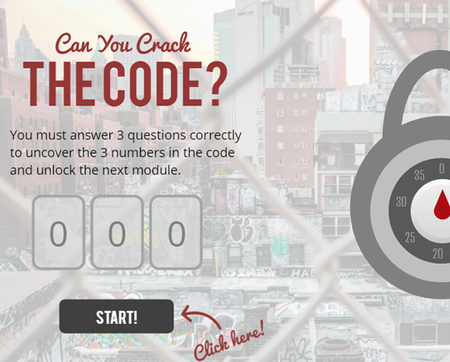
This Storyline 360 example uses nifty features including dials, variables, layers, states and more! Pop open this file and swap out the text to make it your own in just minutes. You can use the fonts (Pacifico & Bebas) to get the exact look-and-feel you see here! View this project in action!2.5KViews2likes46CommentsStoryline: Flexible Quiz Scoring Template
Want a more flexible way to quiz your learners? Maybe you need to create a self-assessment, a personality test, or provide other customized feedback depending on the score (e.g., What type of manager are you?). This Storyline 360 flexible quiz scoring template is just the thing to get you started. You can customize the point values, variable scores, and feedback results to fit your needs. Explore this project. Download the fonts Poppins Regular and Poppins Semi-bold to get the same look and feel. Need help customizing this template? Check out this article for some tips: How to Customize This Storyline 360 Flexible Quiz Scoring Template4.1KViews2likes19CommentsInteractive Halloween Quiz Game for eLearning
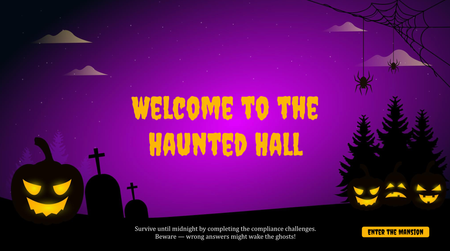
Take on the Haunted Quiz Challenge, where every correct answer opens the door to the next spooky room. But watch out — one wrong answer and the ghosts will wake up! Ready, set, BOO! 🎃 https://www.brilliantteams.com.au/interactive-halloween-quiz-game-elearning-course/Interactive Video Challenge Submission
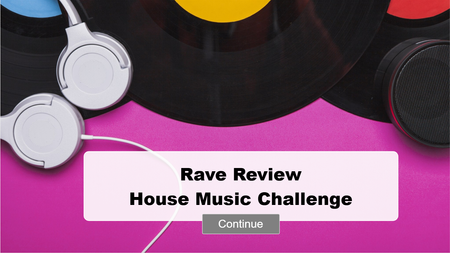
Rave Review | House Music Challenge is a short, upbeat interactive video that uses stock footage of dancing furries and house music to deliver fun learning moments. It’s designed to surprise and delight while demonstrating how interactive video can go beyond traditional scenarios — blending humor, music, and curiosity within instructional design. The video pauses at cue points where learners can click on onscreen pop-ups to reveal “Did You Know?” facts about the origins and structure of house music. What This Demonstrates Using stock footage creatively to build interaction Leveraging pop culture and humor for engagement Combining sound design and interactivity navigation This was a chance to break away from typical workplace training scenarios and showcase how interactive video can be both fun and effective. House music provided the rhythm, furries brought the charm, and curiosity did the rest. Because why shouldn’t learning get weird sometimes? Footage and music supplied by Freepik Link: https://360.articulate.com/review/content/9aff3d21-8d3f-4806-975d-5d85a7c558b1/review