Forum Discussion

GroverAbraha179
1 year agoCommunity Member
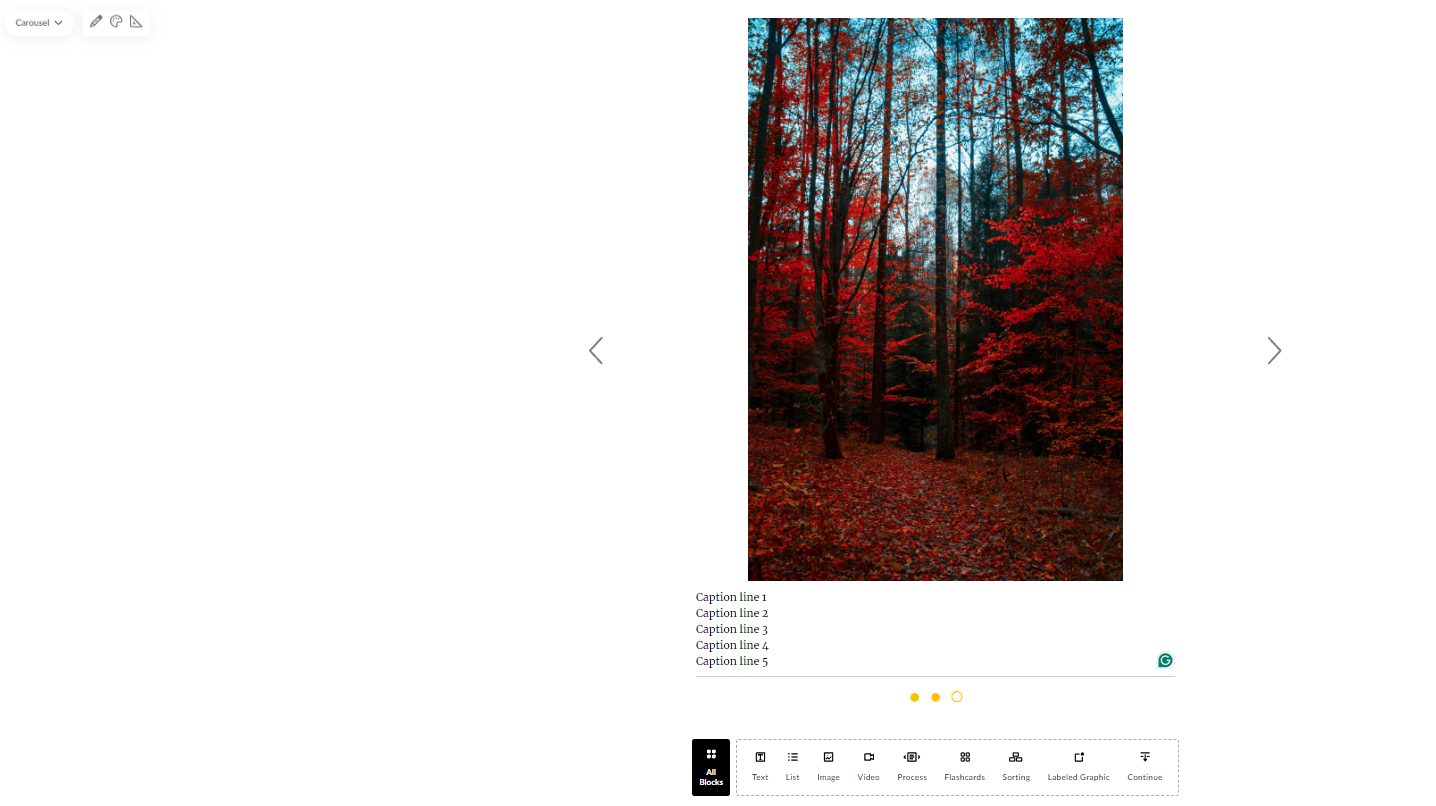
Additional padding in Rise360 when using the carousel image,
In Rise360, I'm using a group of carousel images to display screenshots with captions below the screenshots and this worked well for me until about the 15th of July. Now there are large sections of ...



StevenBenassi
1 year agoStaff
Hi Grover!
Thanks for following up and sharing the feedback!
I can confirm what you are experiencing is expected behavior and by design when working with Carousel Blocks. The Carousel Block adapts to match the height of the tallest image. If the entire Carousel is not the same height across all images, the navigation buttons on either side would lose formatting when changing slides.
To achieve the same offset for each image, we suggest keeping all images at the same aspect ratio.
Please let me know if you have any more questions!

DeidraRichar791
1 year agoCommunity Member
I was having that issue too, but making sure the images are the same size did the trick. Thanks!
Related Content
- 3 months ago
- 9 months ago