Forum Discussion

Change bullet color in Rise
- 3 months ago
Hi everyone,
I'm happy to let you know we released a new update for Rise 360. This update adds the following feature:
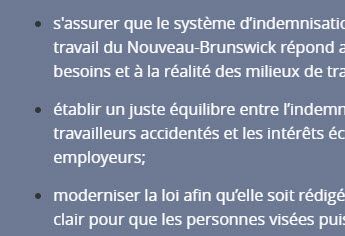
- Use the Bullet Style options in the text formatting toolbar to modify the size and color of bullets and numbers in lists.
There's nothing to install for web apps. New features and fixes are immediately available.
Let me know if you have any questions about this update!


Donna, the important thing to note about Christopher's solution, above, is that it will make ALL of your bullets white that appear within a text block anywhere in your course. So be careful if you are using bullets in text blocks with a white background somewhere else in the course, as those will appear hidden or broken to the user.
The 'workaround' would be to use Christopher's approach, but to be careful to always use bullet blocks on light backgrounds, and to only use text blocks with bulleted lists on darker backgrounds.

I'm still having success with this method:
https://community.articulate.com/discussions/rise-360/change-bullet-color?page=8#reply-744475
It's a lot more work, and consider using version control software to track your changes revision-to-revision, but it allows you to target individual unordered lists for different color backgrounds.
Related Content
- 1 year ago
- 1 year ago
- 5 months ago