Forum Discussion

Change button text colour
Hello,
I try to personnalize a button using the "button" function in Rise and I'm unable to figure how to change the colour of the text in the button. I can change the background-color of the row, the background-color of the button but not the text-color of the button.
Is it possible? If yes, how?
I tried with firefox and Chrome, last versions.
Thanks for your help,
- Hi there!Good news! You can now use theme color contrast to make sure that text or icons that appear on top of a theme color meet contrast guidelines automatically.To use this new feature, simply go to the Theme tab, select Colors and choose one of the following options:
- Auto: Turns text and meaningful graphics to black or white automatically depending on your accent color to meet the minimum accessibility contrast requirements.
- Dark: Turns text and meaningful graphics to black.
- Light: Turns text and meaningful graphics to white.
Once you’ve given it a try, we’d love to hear what you think!

24 Replies
- AmandaDavilaCommunity Member
I've submitted a feature request as well. This is a huge issue for us in developing our courses.
- JacquieHalpinCommunity Member
Is there any update on this?
- KarlMullerCommunity Member
Hi Jacquie,
Text Contrast Controls
Instantly ensure training content meets accessible color handling requirements for learners with low vision. Enhance course navigation buttons, cover pages, and headers so that light text automatically appears on dark colors and vice versa.
In development
See https://articulate.com/support/article/Articulate-360-Feature-Roadmap
- Hi there!Good news! You can now use theme color contrast to make sure that text or icons that appear on top of a theme color meet contrast guidelines automatically.To use this new feature, simply go to the Theme tab, select Colors and choose one of the following options:
- Auto: Turns text and meaningful graphics to black or white automatically depending on your accent color to meet the minimum accessibility contrast requirements.
- Dark: Turns text and meaningful graphics to black.
- Light: Turns text and meaningful graphics to white.
Once you’ve given it a try, we’d love to hear what you think!- RichardBradl368Community Member
Hi Richard!
Thanks for sharing these details. Sorry to hear that setting the Theme Color and the contrast to Dark doesn't seem to work on your end.
I tried using #F5F1E9 as the theme Color, and set the contrast to Dark. The screenshot below shows the light color in sand/beige and the Dark (black) text color.
Do you get a different result when using this color and contrast? Can you share some screenshots showing these settings on your end so we may investigate further? Thank you!
- MeganBarrett-3cCommunity Member
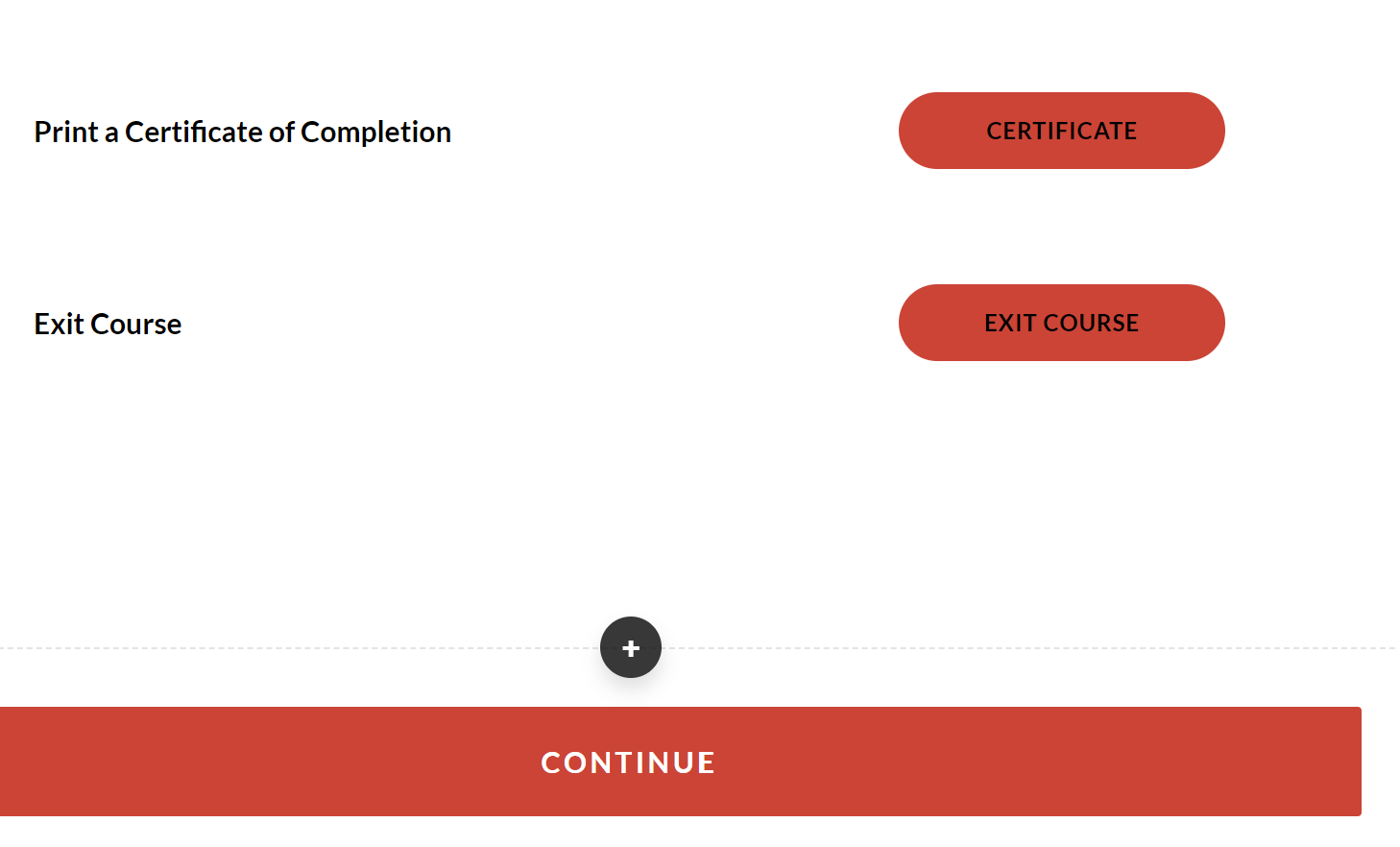
I'm experiencing the opposite problem to white text on a button! I want the text to be white, and previously in this course it has displayed as white. Now it has somehow switched to black and I have no idea what is going on. The text in other elements such as the Continue button is still displaying as white within the same course. I've checked for any settings in the Theme and have tried each of the Auto, Dark and Light settings, with no luck. I am stumped....any ideas?
- hazelBStaff
Hi Megan! Thanks for sharing the screenshot. Are you still encountering this?
- Please make sure your browser is updated
- Try other supported browsers, do you encounter the same issue?
If this is still happening, please open a case with us here so that one of our technical support engineers can help you troubleshoot.
- SteveBrimley1Community Member
- MarvieYap-MuldeFormer Staff
Hi Steve!
Can you confirm if you are still experiencing this after following Lea's suggestion? If you still are I'd recommend to submit a support case so we can investigate further.
Regards,
Marvie
- KristiGrimCommunity Member
I am encountering the same issue as @Megan Barrett. I have a course I've been working on where the button color is set to dark blue and the text used to be white - now it's suddenly black and I cannot change it.
I already have the theme contrast set to auto but there is no way this color contrast is accessible.
Is there a fix for this? We've been working on this file for months and the buttons USED to be white. We did nothing to change them.
- LeaSAgatoStaff
Hi Kristi,
If you're still seeing this issue, could you try refreshing the page and confirm if the buttons are still black? You can also try clearing your browser cache.
Please let me know if you're still seeing the issue after trying these, and we'd be more than happy to take a closer look!












Related Content
- 3 months ago
- 10 months ago
- 2 years ago