Forum Discussion

Choose Your Own Path template for Articulate Rise
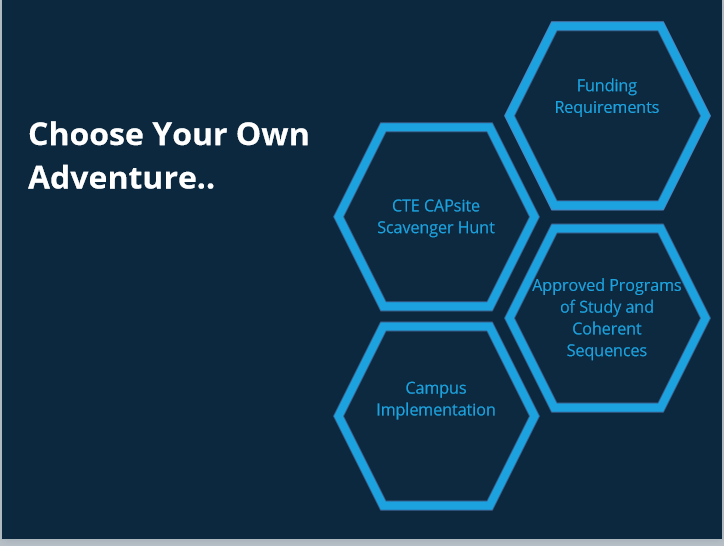
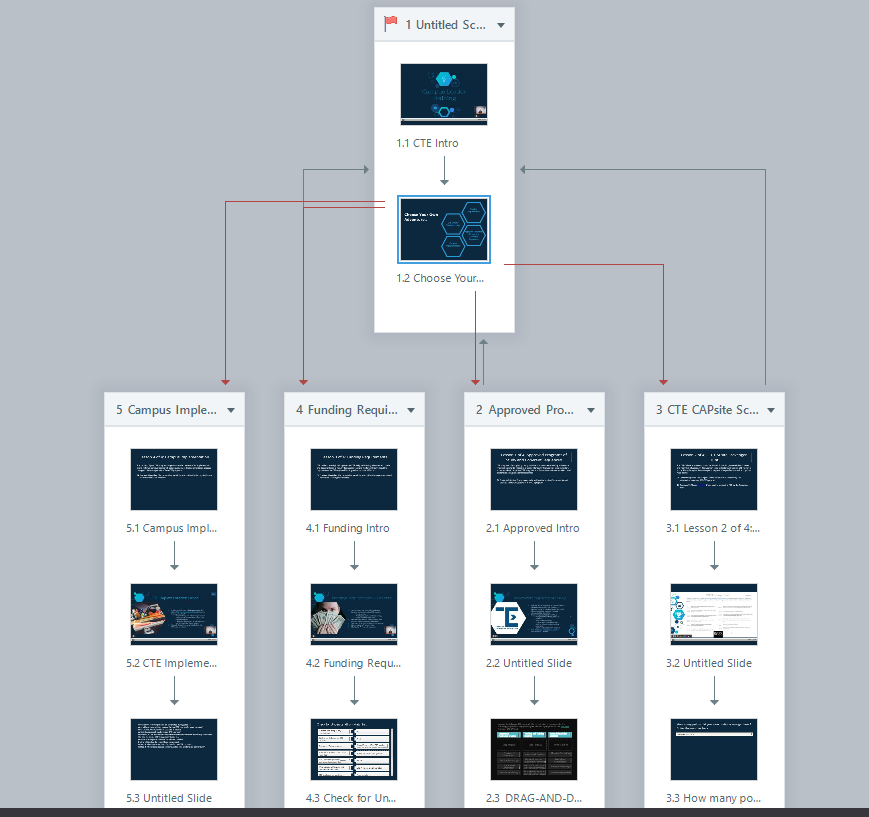
Hello I'm in the process of creating a course to where a learner can choose and complete multiple paths in any sequence. While working countless hours in articulate storyline 360, I wanted to see if it is possible to create the same template using Articulate Rise?
1 Reply
Hi Ricky! Storyline 360 is a powerful authoring tool with lots of customization options for branching navigation, but there are creative ways you can use Rise 360 to set up branching lessons within a single course.
First, you'll want to disable the sidebar menu, since you don't want learners accessing every lesson inside the course.
Next, use a button stack block to allow learners to branch to the appropriate lessons.
Want to know what this looks like in action? Here are two examples for inspiration: