Forum Discussion

Drag objects not snapping to centre of drop targets (they're snapping off-centre)
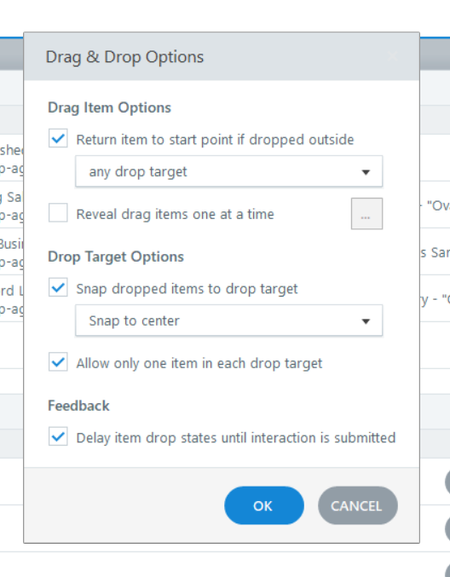

Hi Adrian,
Thanks for reaching out!
The clue to the cause of the issue can be seen in "Form View". If you select one of the available choices, you can see that Storyline 360 is recognizing the shape as rectangular, and the image of the person is actually placed in the lower left part of the shape. 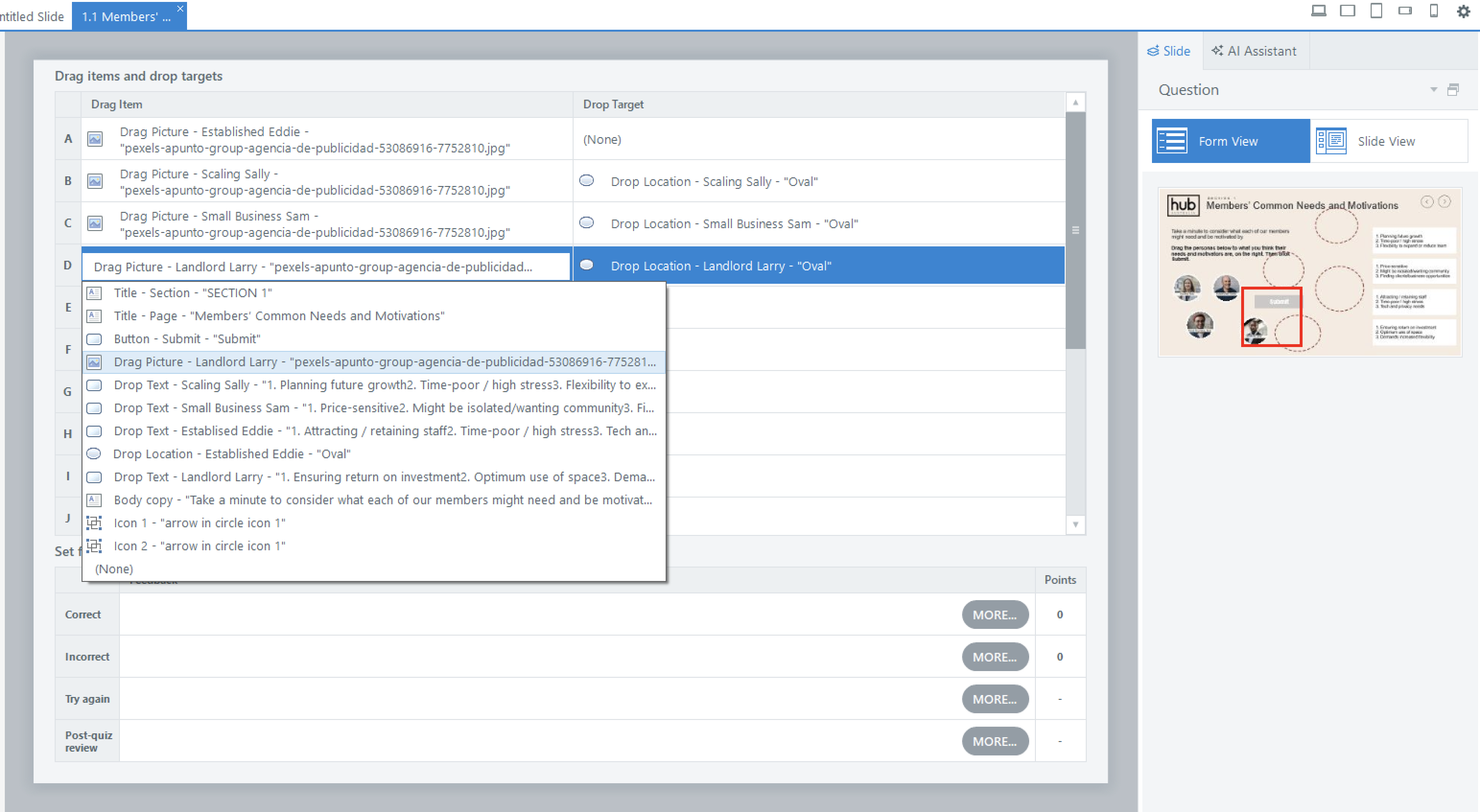
Would you mind walking me through how you created the shape with the photos of the people so we can check what's causing the object's position to shift?
Thanks so much for your help! I created the head shot images by doing the following:
1. Dragging the headshot image into Storyline and cropping it as a circle.
2. Placing the headshot on a white circle shape that I copied from a previous slide (I did all of this in States)
3. Adding a white rectangle background and label on top of the headshot (again, all in States).
So the 4 headshot images, including their circle backgrounds and labels are all in the one state.
I'm not sure if that would be the best way to have created those headshot images though and would love any advice on whether I could be doing it a different way?
Thanks again for your help :-)
Related Content
- 8 months ago
- 1 year ago