Forum Discussion
Importing vector graphics
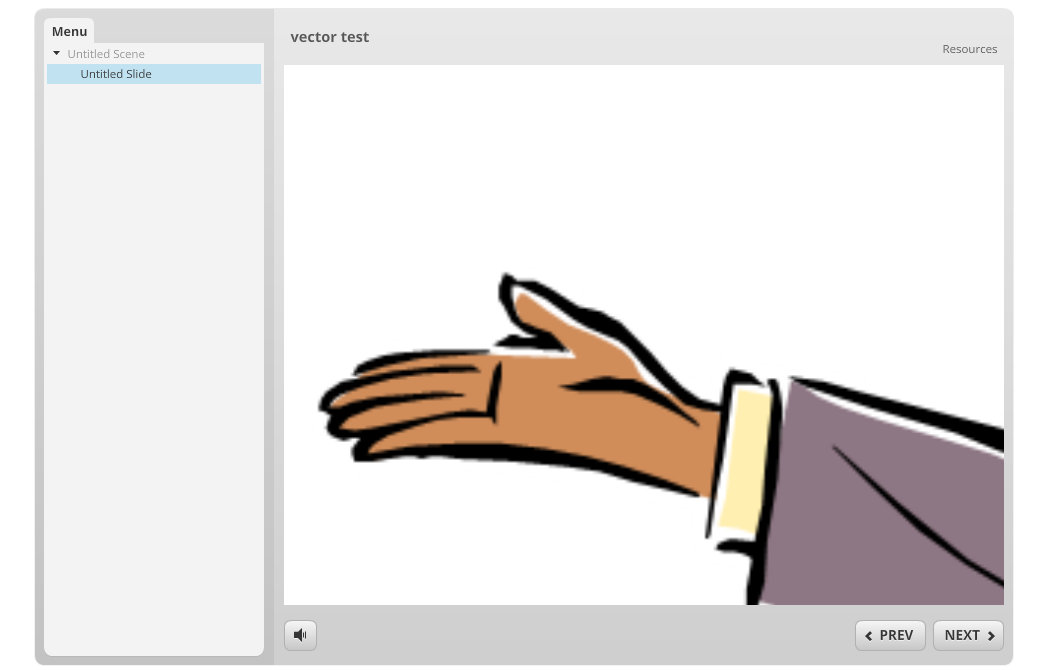
Storyline works with vector graphics (shapes, cartoon characters, etc.) but I can't figure out a way to import them. I can insert an eps file in PowerPoint and import into Storyline, but the vector is converted to a raster. Can it be done somehow?
74 Replies
- PamRichmondCommunity Member
Roger Mepham said:
I've always used Adobe Fireworks for image editing, it has great shadow and bevelling tools plus it plays well with both vector and bitmap images - its ideal for screen based graphics editing. The native PNG output imports properly into storyline and you get transparency and access to shadow, glow and mirror effects, or just copy and paste from Fireworks to Storyline
Just a note that it appears that Fireworks PNGs do retain their transparency and effects, but they are not treated as vectors once copied and pasted into Storyline. That is, when I paste the vector shape from Fireworks into Storyline and enlarge it, the edges become pixelated. The easiest solution in this case is to make the graphic as large (or larger than) needed in Fireworks before importing. I am a big fan of Fireworks and have been using it for years for web development. Glad to hear I can use it with Storyline, as I'm just getting started with Storyline. Thanks for sharing Pam!
- AndrewProbert1Community Member
I'm having the same issues when viewed in the player. Some of the vector icons I imported are way off.
Hi Andrew,
Can you share a bit more about what issue you're encountering - this thread is a bit long, and I'm not sure which piece you're referring to. Did you try any of the solutions mentioned here about using Adobe Illustrator to export the image or using Fireworks?
- Jerson-CamposCommunity Member
Hey John,
I use CS5.5 and I don't have any issues with my wmf/emf graphics. Kevin, what version are you using?
- SylviaWrightCommunity Member
Thanks to all of you on this. I've been looking for a way to work with vectors and using the wmf is working for me. MEGA THANKS!!!
Glad this thread was helpful to you Sylvia!
- P-YBeaulieu2Community Member
Hi PY,
Are you viewing the HTML5 output perhaps? If so objects aren't vectored in HTML5 output. As a result, they may not appear as crisp in HTML5 as they do in Flash if you set the player to scale to fill the browser. To avoid scaling and reduction in image quality, we recommend locking your course player at optimal size.
Also, because objects aren't vectored in HTML5 output, they may look blurry or pixelated in zoom regions.
- P-YBeaulieu2Community Member
That is in Flash and yes, player is locked at 100% size.
This said, the browser scaling in Flash should not have impacted a vector image...correct?
Does someone have a sample SL file with a WMF vector behaving as expected?
Thanks







Related Content
- 10 months ago
- 12 months ago