Forum Discussion

Line spacing not consistent when publishing to Review
Hi,
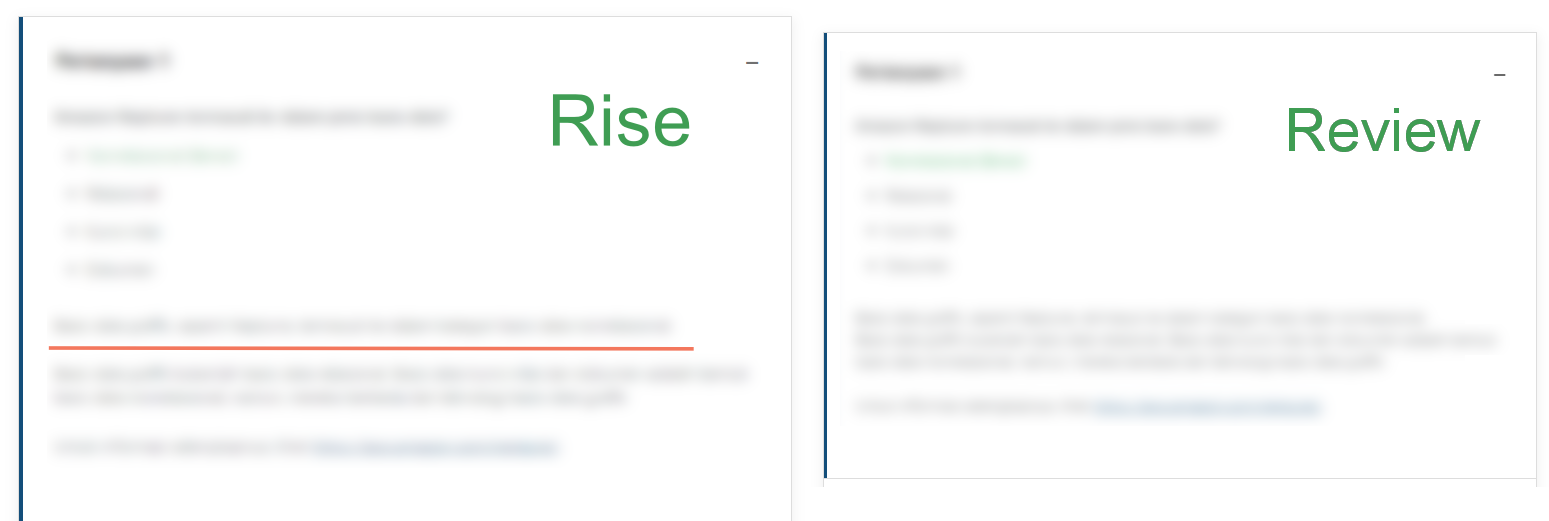
what happens is, that when publishing to Review from Rise, not all line spaces remain preserved. When this happens, we need to manually remove the line space in Rise and add it again, afterwards the Review usually shows the correct line spaces.
These fixes are time consuming as we need to go through the whole Rise course to fix it.
Please see the image attached for reference- as you can see, the highlighted line that shows linespace in Rise is missing in Review.
Any input will be appreciated, thanks.
6 Replies
Hi Nikita! Thanks for reaching out! When adding your content into Rise 360 are you pasting this from a word editor? This may be copying formatting from that application which may be causing the issue.
Please try pasting this into Notepad to clear formatting before pasting into Rise 360. This should remove any unseen formatting from any word editor that may be cause the line spacing issue.
- NikitaMikhaylovCommunity Member
Hi Renz,
when we add content to Rise, we import the .xlf translation.
- CNavarroFormer Staff
Hi Nikita, Does the issue also happen to courses you haven't imported a .xlf translation to? Does the issue happen to all of your courses or just a few?
- NikitaMikhaylovCommunity Member
Hi Chino,
I cannot tell about the courses without .xlf as we use .xlf import in all the courses (we do not create courses from scratch).
It happens to majority of courses. In fact, I think I haven't encountered a course where it was without any issue.
Hi Nikita, following the steps from Rise 360: Translate Your Course, to import an XLIFF translation there needs to be original content that is first duplicated, then exported with a matching .XLF file.
If you're importing using .XLIFF files by exporting a blank course, then importing this in, this might be causing the extra blank spaces as they're not being overwritten or extra HTML from the import process is being copied into Rise.- NikitaMikhaylovCommunity Member
Hi Renz,
there is original content in the course, but we are not the developers of that, so unfortunately I cannot tell how the content is prepared. So I guess there is nothing to prevent the lack of linebreaks occuring from our side.
Thank you for checking this issue.


Related Content
- 10 months ago