Forum Discussion

Matching quiz question submit button not working in Articulate Rise
We have created a matching question in Articulate Rise, but when we publish it as SCORM 1.2 and export the zip file and try to play it on local machine, then the matching question submit button does not work. When we publish it as TinCan, the submit button works properly.
It looks like this to be a bug. Is anyone facing the same issue? If yes, can someone suggest a solution?
Hello Everyone!
I have some good news to share! We are no longer seeing this bug that prevented matching quiz question submit buttons from functioning in a Rise 360 course.
Please let us know if you're still encountering the issue and we'd be happy to continue troubleshooting with you in a support case.

25 Replies
- zhoujulieCommunity Member
I have encountered exactly the same problem.In preview the "submit" butoon works perfectly fine, but then in the LMS the button does not function.
- JaneNeugebauer-Community Member
Hi there, I have encountered exactly the same problem. In preview the "submit" butoon works perfectly fine, but then in the LMS (efront) the button does not function and the user gets stuck on the question. can you please help as this bug is driving me crazy.
- AidaDebibiCommunity Member
Hello,
I have the same problem with my client on his LMS.
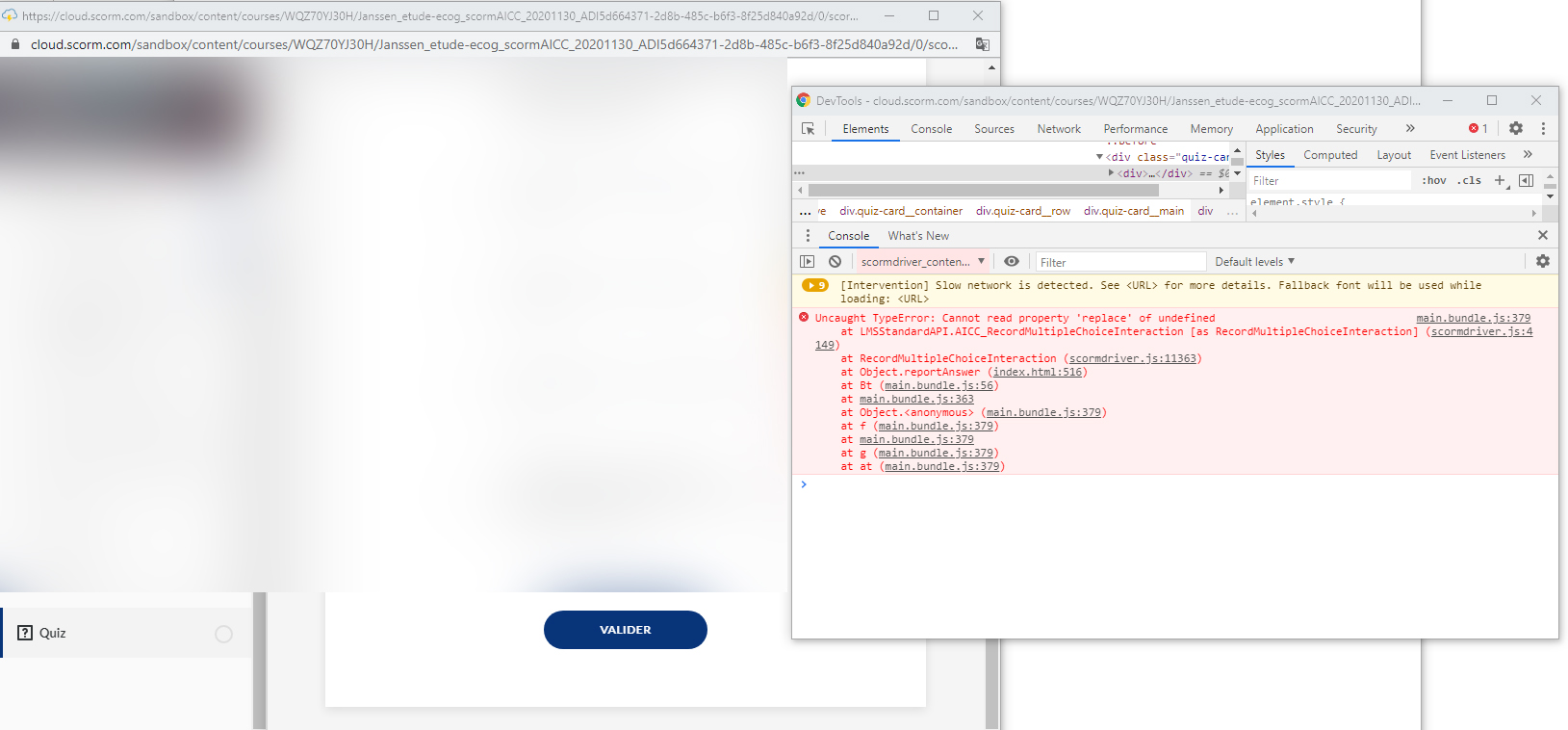
We tested scorm 1.2 and scorm 2004 the validate button is blocked, it doesn't work.On scorm Cloud scorm 1.2 and scorm 2004 no problem but with the scorm AICC version the validate button does not work.
Do you have a solution please ?
Thank you
Aida
Hello, Jul! We haven't seen this problem happen when courses are hosted on a learning management system. Would you mind sharing your LMS output file with our team so we can test it from our side?
If that works for you, you can share the file privately by opening a case.
- JulieRogers1Community Member
Hi, we are also getting this same issue when published the file to our LMS. Is there a solution for this as yet?
Hi Daniel!
This bug happens when viewing the published output file from your local computer, but it shouldn't happen if your output is hosted on an LMS.
Do you plan to use an LMS to share your course with learners?
- danielbrugmanCommunity Member
Hi I am experiencing the same issue.....looks like I will have to remove all matching questions from the quizzes....Is there a fix for this as yet?
Hello, D G! Thank you for bringing this to our attention! I'm seeing the same problem on my side, and I'm going to log it as a software bug.
In the meantime, are you able to export the course for Web (instead of LMS) for testing the output locally?
- NikkiIrish-456bCommunity Member
Do you have visibility to the timeline of resolving this issue? I am experiencing the same issue and it looks as though from this thread, that an issue was reported as recent as 8 days ago.
Hi there, Nikki. This behavior isn't something we've been able to reproduce in our own LMS testing environments. Can you please connect with my team by clicking here? We'll look at the variables in your environment and see if we can determine what's happening.









Related Content
- 11 months ago
- 12 months ago