Forum Discussion

Problems with Quiz Review Texting Overlapping

You're welcome! I'm just trying to emulate the Articulate staff, they set the bar pretty high for helpfulness!

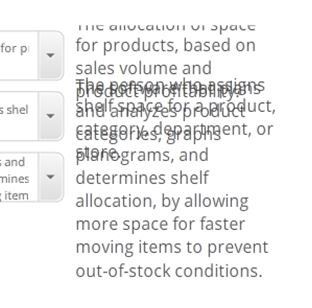
Glen, What was your fix for the text overlapping in Quiz review. I cannot find an answer. I am using Articulate 360.
- CarolMortimer8 years agoCommunity Member
LaVon, click on each object that is shifting, and click on Edit States. One of the states will probably be messed up. Fix it, and it fixes the issue. You might need to do it for each object in the list, but once you've done it a time or two, you can fix a screen in about a minute.
- LaVonBowman-ef68 years agoCommunity Member
Sorry, I do not understand. Please be more specific if you can. In what view? Form View? Slide View? This is the first time I have seen this issue.
- CarolMortimer8 years agoCommunity Member
LaVon, Use Slide View. Select the first answer. Look at the Timeline. There should be an option next to it that says STATES. Click on it, then click on Edit States. Click on each of the 5 states, and see if any of them jump. If so, adjust its position for that state. (Sometimes, just clicking on it when the Edit States mode will auto-fix it.). When you are done with each state of the object, click Done Editing States. Then repeat the process for the next answer.
I usually find that one state is messed up on some of the answers.
Alas, I have no idea what will help Catherine. :-(


Related Content
- 2 months ago
- 7 months ago