Forum Discussion

Storyline - Remove AI voice from My Voices
- 1 year ago
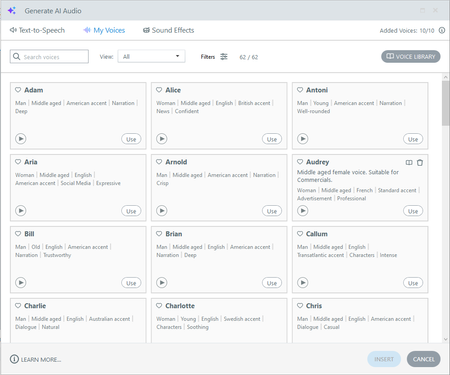
Hello YaoyaoChen-6099 , in your first screenshot, notice the "Audrey" voice has a little trash can icon. You can use that to remove the voice from your library.
Also, if you'd like an easy way to see all of your library voices at once, enable the filter and then select "Library" from the dropdown.


I am also having this issue, however I have 0/0 showing in the top right corner. It was showing 2/0 and I found the 2 and have deleted but I still cannot add anymore from the voice library
When I hover over Add to my Voices, it says I have reached my limit and I need to remove. However, no other voices allow me to remove them from 'my voices'

Thanks for sharing those screenshots, KateSmith-9c6db!
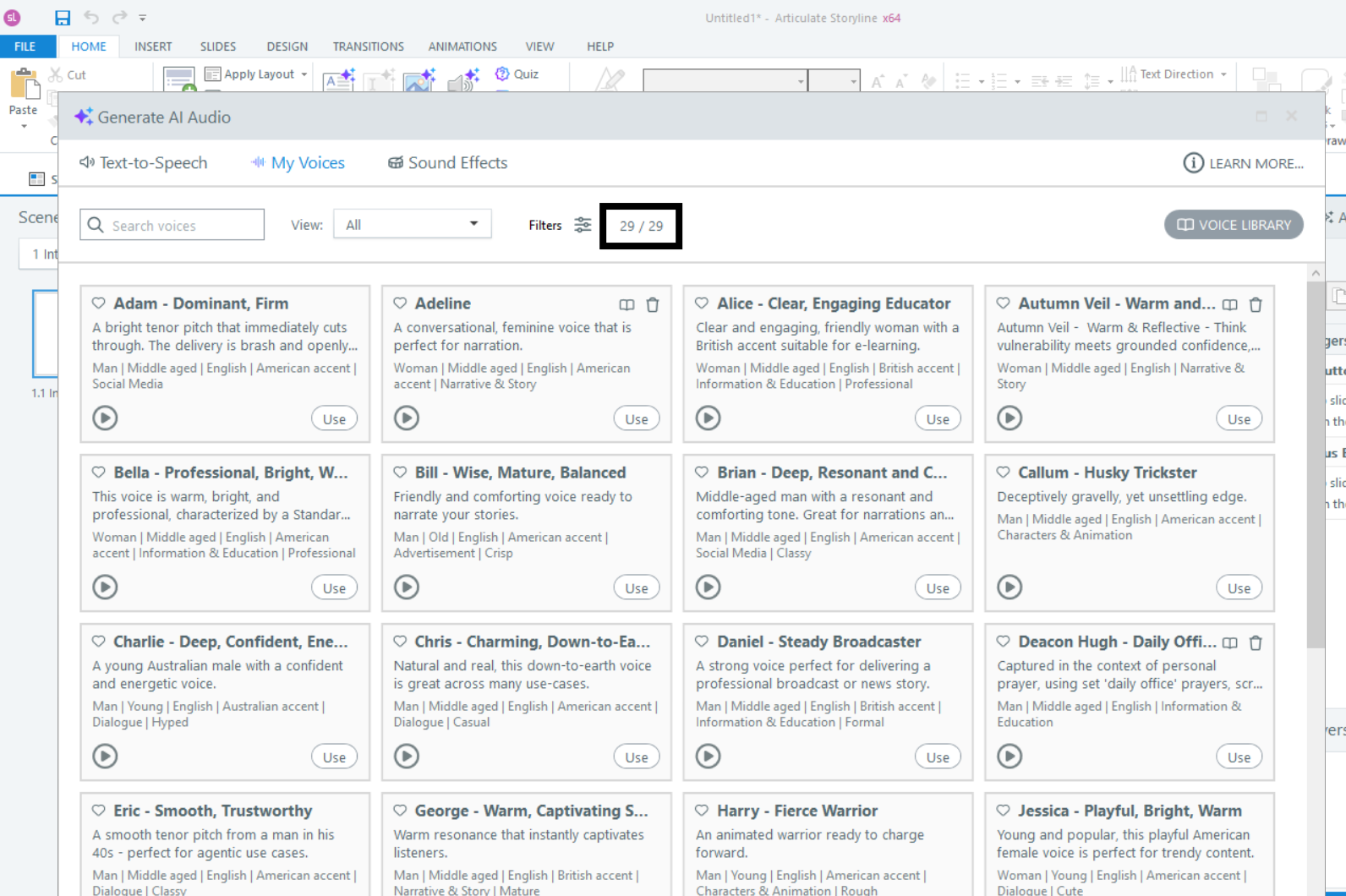
I noticed your My Voices list contains 52 voices, which suggests you may be using an older version of Storyline 360. On the latest version, there are 21 built-in voices that are always available. I tested this on the current version, and with 8 voices added, I see 29 total voices in My Voices, as shown below.
As a first step, I'd recommend running a Storyline repair, which will also update Storyline 360 to the latest version if needed.
If the issue persists after the repair, let us know, and we'll be happy to continue troubleshooting with you. If you'd prefer more targeted, one-on-one help, you may also reach out to our Support team here.
Related Content
- 11 months ago
- 4 months ago