Forum Discussion

HalleyBox
8 months agoCommunity Member
Storyline 360 - Change Text Size for Feedback on Questions
Goodmorning!
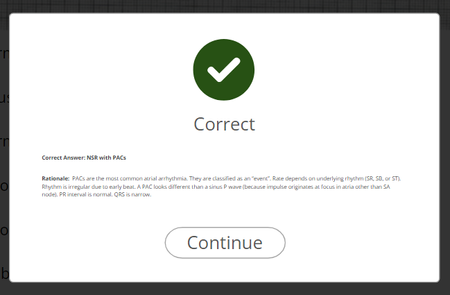
I was wondering if there was a way to increase the text size on immediate feedback provided after a quiz question? See pic below. When the window is in full screen it's semi-easier t...
HalleyBox
8 months agoCommunity Member
What do you mean by upgraded the project text?

JudyNollet
8 months agoSuper Hero
In Storyline 3 and earlier versions of Storyline 360, the Format Shape > Text Box window had 3 options for Autofit. Those included "Shrink text on overflow." The window looked like this:
I don't remember when it happened, but at some point, SL360 was changed to use the accessibility-friendly options shown in the photo in my earlier reply.
However, the change to that wasn't forced on developers. Instead, they'd see a message asking whether they wanted to upgrade project text.
- If your Format Shape > Text Box window looks like the one in my previous reply, you're using an updated version of SL360 and don't need to upgrade project text.
- If your Format Shape > Text Box window looks like the one directly above in this reply, you should see a message asking about upgrading project text.
Refer to the link in my earlier reply for more info about Format Shape options.