Forum Discussion

Storyline Module

It’s entirely possible to achieve this using JavaScript. You can jump to any point in a video and even define specific playback ranges—where the video automatically starts and stops at set times.
In the example below, my video is 40 seconds long. On the left side, I’ve added buttons that trigger different playback segments: 0–10, 11–20, 21–30, and 31–40 seconds. When a range is selected, the video plays from the defined start point and pauses at the endpoint, giving you control over what happens next.
For instance, calling playVideoSegment(21, 30, 's3_complete') will play the video from 21 to 30 seconds, then automatically pause and set the variable 's3_complete' to true. This makes it easy to trigger subsequent actions based on the variable’s value.
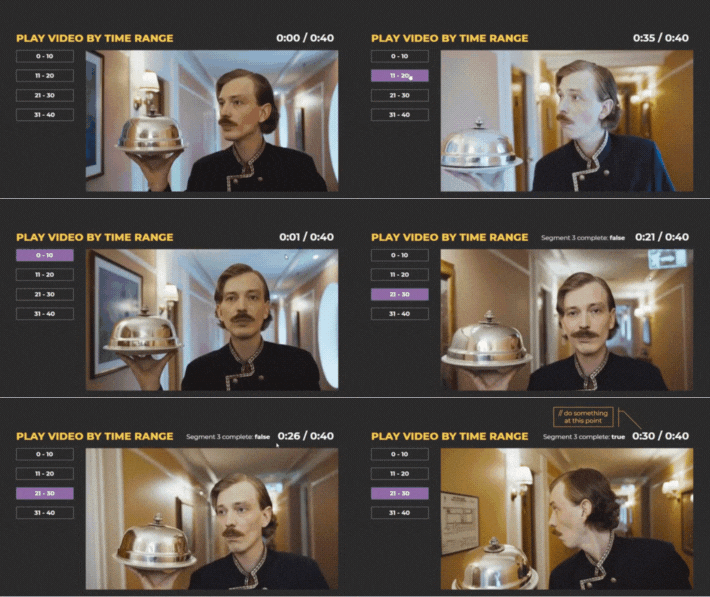
This setup is just a simple demo built on a single slide, but the same logic can be easily adapted to more complex or interactive video scenarios.
If this approach aligns with what you’re trying to build, feel free to share more details about your project—or reach out to me at nedim.ramic@gmail.com for further help.
Related Content
- 5 months ago