Forum Discussion

MariePierreR
1 year agoCommunity Member
Text-to-read in the address bar
Hello,
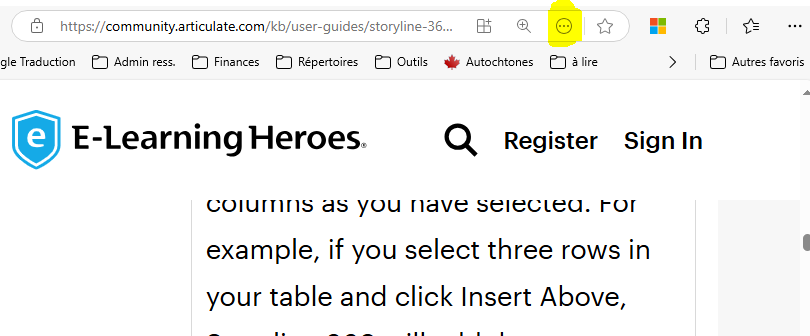
I noticed that whenever I come on a E-Learning Heroes page there are tools available in the address bar such as text-to-read the page. How did you implement this? is it possible for me to ad...

LucianaPiazza
1 year agoStaff
Hello MariePierreR,
Thanks for reaching out! I understand you are coming across a browser tool within your browser that allows you to read the E-Learning Heroes Home Page aloud.
- What browser are you using to view the ELH Home Page? I want to confirm that since this functionality is browser-based, it is not possible to add this directly to your courses.
- The Edge browser has a feature called Read aloud. You can access it by pressing Ctrl+Shift+U or clicking on the A icon in your address bar.
- If you use Chrome, you can download a browser extension called Read Aloud: A Text to Speech Voice Reader.
- Firefox has an add-on browser extension as well.
- What application are you using to create your training content?
- Here's a sample of me using Read aloud within my Edge browser to view the ELH Home Page, A published Storyline course, and a published Rise 360 course. You'll notice this feature's functionality is limited when viewing a published Storyline course.
- Are you looking for more ways to create an accessible e-learning course? Utilizing common screen readers could help. A screen reader is a software application that turns the visual context displayed on a computer or mobile device—like buttons, text, and imagery—into text-to-speech (TTS) audio or braille (with the help of a refreshable braille display).
Looking forward to hearing from you!
MariePierreR
1 year agoCommunity Member
Hi Luciana, Thank you for the great information you provided and your video! Unfortunately my training doesn't react the same way to the Read aloud. I am wondering if this is because I start the page with a multemedia Audio section.
Also does the full section need to be read to read the next one? I am asking because I tried to skip the first section to go to the second and even if the visual was on the second page, I would hear the first section continuing.