Forum Discussion

HenrikIvarsson
9 months agoCommunity Member
Wierd behavior when copying in Scenes...
Hello,
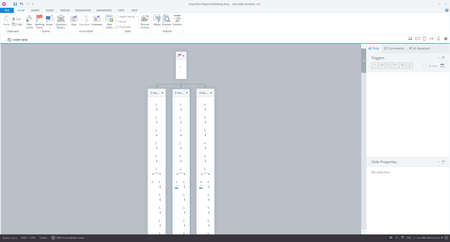
Ive been building a course in different languages, because there is a lot off graphic content that needs to be different for different languages, and our LMS doesnt separate by language. Im...
- 10 days ago
Hello everyone,
Happy to share that we've just released a new update for Storyline 360!
In Update 130, we've included essential fixes and new features. We've released a fix for:
- Slides didn’t stay in place when clicked multiple times in Story View or Slide View.
Launch the Articulate 360 desktop app on your computer to take advantage of this update, and click the Update button next to Storyline 360. You’ll find our step-by-step instructions here.
Please let me know if you need additional help.


PhilMayor
9 months agoLegend
I thought this got fixed in an update, I hanot seen for ages, try updating to the latest version.
Related Content
- 8 months ago
- 1 year ago
- 1 year ago