Forum Discussion

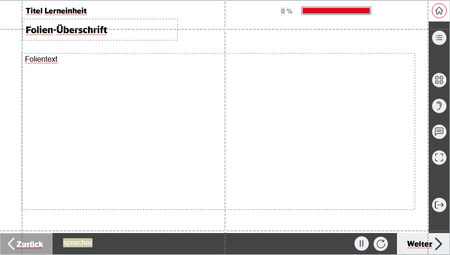
Audio-Button functions and states within selfbuild WBT menue and options


- 6 months ago
Hi Ann-Katharin105
I’ve replied to your new thread.

In Storyline, the default player volume button controls the global course volume. The same applies to the volume control embedded in the Storyline video player. There is no separate volume control that differentiates between audio and video. Adjusting the volume in either place affects the global volume only. I previously wrote about implementing a separate video volume control (one that affects only the video) and suggested a possible solution in this thread, if you’d like to learn more.
When the default player volume control is not used and a custom button is implemented (as in your case), controlling the global volume is typically handled via JavaScript. I can help you create a script that toggles (mute/unmute) the global volume (both audio and video) and updates the state of your custom volume button accordingly.
The only point I’m not entirely clear on is whether the text label next to the custom audio button should also be clickable and perform the same action (mute/unmute and change the button state).
If possible, I would appreciate a bit more clarification on this. Additionally, if you could upload a .story file containing this master layout (including all menu objects), that would be very helpful. You can remove any unnecessary slides or proprietary content before sharing.
I would also recommend posting this thread in the “Discuss Articulate Products” section to improve reach and visibility.
Related Content
- 5 months ago
- 1 year ago