scenario
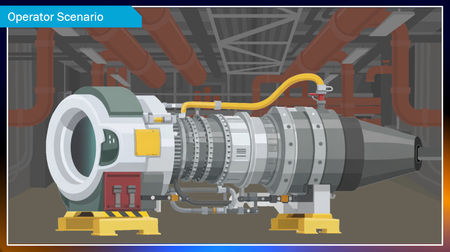
72 TopicsGas Turbine Operator Scenario
For this week’s eLearning Heroes Challenge, I skipped the usual upfront learning objectives and started with a real-world scenario instead. The course opens during a gas turbine startup. Learners step into the role of the operator as things seem normal… until they’re not. A few warning signs appear, decisions are made under pressure, and then—boom—the scenario ends on a cliffhanger. By the time learners reach the formal topics and objectives, they already care. They know why the content matters because they’ve felt the pressure of the operator and are invested in, “What happens next?” Review link: https://360.articulate.com/review/content/62ecf666-5ac5-4b7c-afc4-c3b02afd7d76/review
Mission: Survive the Stakeholder 😅 | Things to Say & Not Say to IDs
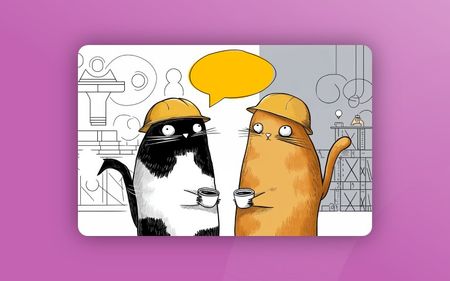
Hi everyone! 👋 For this week's challenge, I decided to gamify the classic "Instructional Designer eye twitch" moments we've all experienced during project kick-offs. Welcome to Mission: Survive the Stakeholder! In this short interaction, you play as a project manager meeting with Alex, your ID. Your goal is to choose the right things to say to get the project moving without causing his stress meter to max out. Behind the scenes: Visuals: I generated the 3D Pixar-style character states using AI to capture those perfect, relatable expressions of creeping panic. The Tech: To make the stress meter feel fluid, I built a custom HTML/CSS/JS interaction and embedded it as a Web Object in Storyline. The custom slider is dynamically synced with the background video, so Alex's reactions update smoothly in real-time as your score changes. You can play the demo here: Mission: Survive the Stakeholder I had so much fun putting this together. I’d love to hear your thoughts! Did you manage to keep Alex calm, or is he currently updating his resume? 😂604Views5likes2CommentsBurning Questions
Hello! Another tongue-in-cheek demo, with a serious message. But I don't recommend that you take this passive-aggressive route to explain gamification to your boss... This demo is built around an oversized slider, which is animated using rapid state changes controlled by Javascript. Video sections created in Powtoon. Any questions, please ask. I promise I won't turn you into a computer game character in a burning building. Try it for yourself here: https://bit.ly/elhc542
Medical Emergency
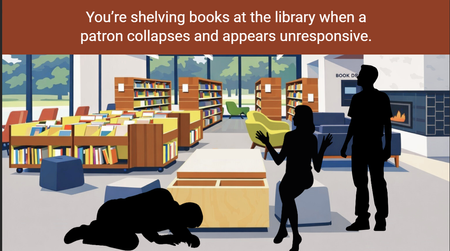
This is my first E-Learning Heroes Challenge! My small team of 2 recently switched from Captivate to Articulate in December. This short scene is a current project I am working on for our emergency procedures training. I included the whole scene, not just the scenario. Link to Review 360- Medical Emergency510Views5likes4CommentsStoryline: Task Prioritization Immersive Scenario Template
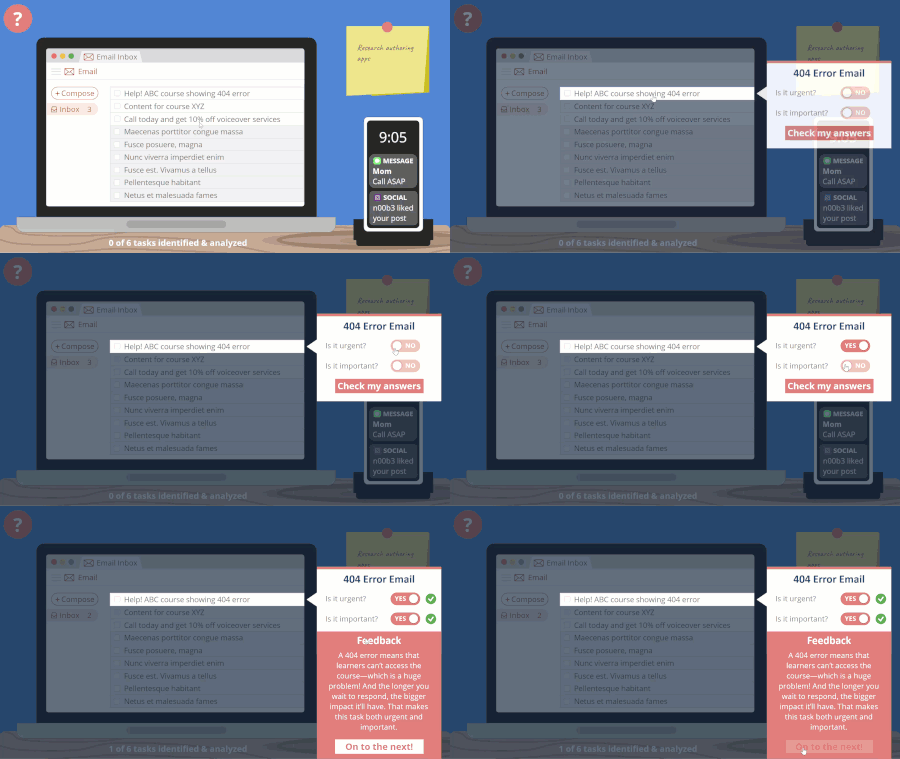
Need to teach your learners how to prioritize tasks? This immersive scenario is just the thing! Learners have to look around their desk to identify and analyze the tasks on their to-do list and determine whether they’re urgent and/or important. From there, learners must decide whether to do each task today, schedule it for later, delegate it, or take it off their to-do list. Explore this project. To learn more about how I designed this template, be sure to check out this article. And if you’d like to see two other example courses that teach these same concepts, head on over to this article.4.1KViews5likes18CommentsStoryline: Customer Service Branching Scenario
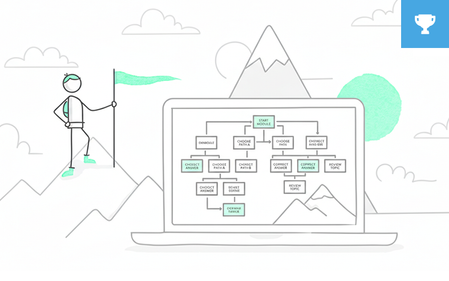
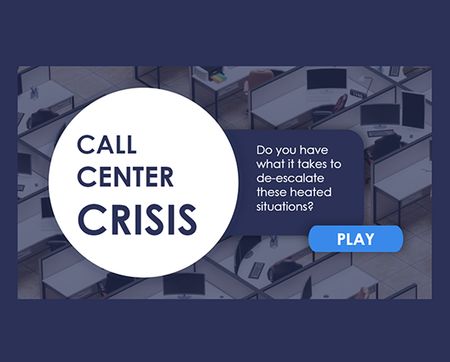
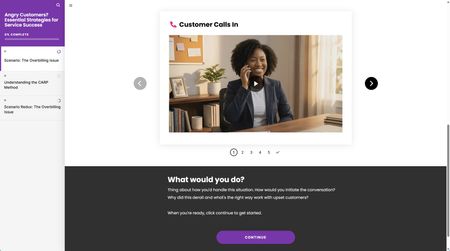
Practice is one of the best ways to take what you’ve learned in training and figure out how to apply it in the real world. But when getting things wrong can have serious repercussions, doing that practice on the job isn’t always an option. That’s where a branched e-learning scenario can come in. This approach gives people a realistic but safe situation where they can test their new abilities and learn from their mistakes. In this example, you’ll see how learners can try out customer service skills they’ve learned elsewhere in one of the most stressful situations they’ll encounter—working with an angry customer. The decision points in this call center branched scenario don’t have obvious answers, which challenges people to stop and think critically before making a choice. Those choices change the story in meaningful ways, giving them subtle and realistic feedback. And while this branching technique may seem complex at first glance, it’s easy to set up using Storyline 360’s triggers. Explore this project. Want to take a closer look at how this project was built? This download will work for folks using Storyline 360, the continuously updated version of Storyline included in Articulate 360. Want to try it out? Get a free trial of Articulate 360 right here. And subscribe to our newsletter to find out about other helpful downloads.7.6KViews4likes18Comments