scenario
72 TopicsBranching Scenarios: Designing impactful experiences
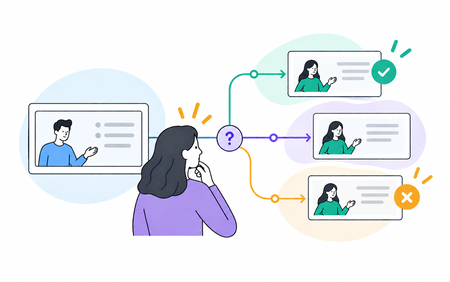
Decision-making scenarios can be one of the most powerful ways to learn, but just presenting your learner with choices won't make a difference if the choices and consequences aren't meaningful. In this session, we'll outline some tips and best practices when planning and designing scenarios.788Views0likes0CommentsLevel Up a Scenario: Add Characters and Emotions
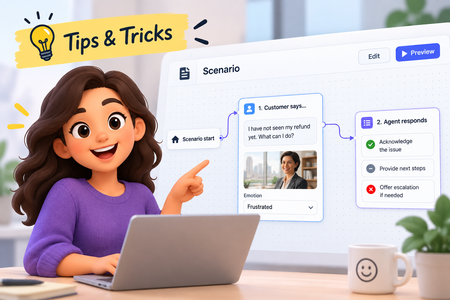
Our recent platform updates brought some exciting new content types. Scenarios specifically have been a lot of fun to explore. In this tip, you'll learn how to add your own characters and see the magic of automatic emotion generation! Watch the video to see how!275Views2likes0CommentsSimple Solution = Best Solution for Customer Interaction (ELH Challenge #538)
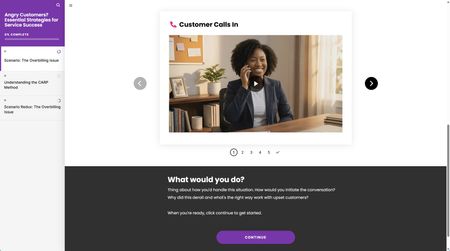
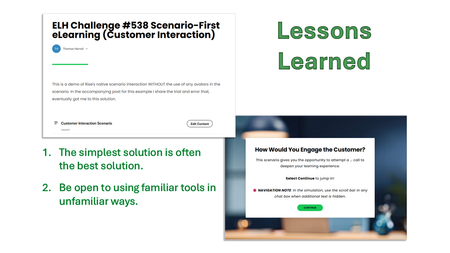
Problem For this portion of my customer service eLearning module, I wanted to create an immersive experience that would help the learner practice the decision-making process and the approved scripting they must adhere to. Solution (my journey) I wanted to try my hand at using Rise360’s AI Assistant for a CSR-to-customer interaction. But my attempt did not produce what I was looking for. So… Why not try to “vibe” it? I switched over to Vibe Coding. I figured something “new” and “fresh” would liven up this customer service training module. I abandoned it after 12 attempts. I got close to a viable solution, but still had a ways to go. I returned to AI Assistant, used the proper format it needed, and tweaked the remainder of my scenario without using the avatar setting. Lessons Learned For a while, I was stuck in my head with the idea of “new and fresh.” But 10 out of 10 times, the simplest solution you build is likely the best possible one. Don’t underestimate simplicity. Finally, sometimes using a tool you touch daily can blind you to its potential in a new way. That’s what my final solution is – Rise360’s native scenario builder without the typical avatars I’ve used in the past. Conclusion Though we have access to “new shiny” tools and “AI on the brain,” tried-and-true tools and techniques will never go out of style. We ought to continually revisit the tried-and-true to be reminded how cool they are. 😉 Click here to experience the demo I built. 👀 It also includes more details of the great learning experience I had. 📝 Disclaimer: my demo doesn't strictly adhere to the challenge's parameters (a scenario instead of learning objectives), but I thought this would be a good place to share this learning experience with the community.
Mission: Survive the Stakeholder 😅 | Things to Say & Not Say to IDs
Hi everyone! 👋 For this week's challenge, I decided to gamify the classic "Instructional Designer eye twitch" moments we've all experienced during project kick-offs. Welcome to Mission: Survive the Stakeholder! In this short interaction, you play as a project manager meeting with Alex, your ID. Your goal is to choose the right things to say to get the project moving without causing his stress meter to max out. Behind the scenes: Visuals: I generated the 3D Pixar-style character states using AI to capture those perfect, relatable expressions of creeping panic. The Tech: To make the stress meter feel fluid, I built a custom HTML/CSS/JS interaction and embedded it as a Web Object in Storyline. The custom slider is dynamically synced with the background video, so Alex's reactions update smoothly in real-time as your score changes. You can play the demo here: Mission: Survive the Stakeholder I had so much fun putting this together. I’d love to hear your thoughts! Did you manage to keep Alex calm, or is he currently updating his resume? 😂633Views5likes2CommentsBurning Questions
Hello! Another tongue-in-cheek demo, with a serious message. But I don't recommend that you take this passive-aggressive route to explain gamification to your boss... This demo is built around an oversized slider, which is animated using rapid state changes controlled by Javascript. Video sections created in Powtoon. Any questions, please ask. I promise I won't turn you into a computer game character in a burning building. Try it for yourself here: https://bit.ly/elhc542
Hi, I'm Taylah!
I have been an Instructional Designer for 6 years now, specialising in practical, scenario-based modules (I am a big fan of Cathy Moore's action mapping!). I am based on the NSW coast in Australia and have worked across a variety of sectors - everything from animal nutrition to diversity and inclusion and early childhood! I love building immersive scenario-based modules with personalisation in Storyline, but the new updates in Rise are starting to sway me... I have been venturing into coding blocks and using browser storage for some really cool interactions and reporting in Rise. Excited to hear the innovative ways everyone uses Articulate 360 and share my own ideas and inspiration!267Views2likes1CommentNavigating Team Conflict
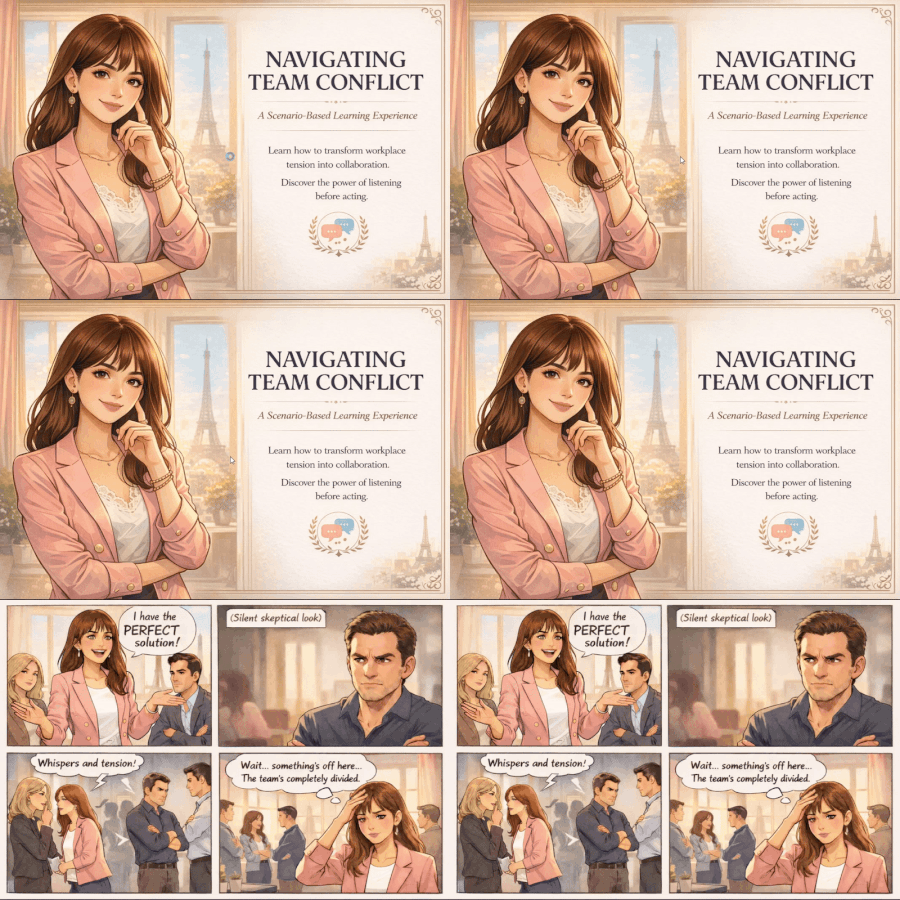
Emily just presented what she thinks is the perfect solution. But the room went silent. One colleague's arms crossed. Another looked away. The team is divided, and momentum is stalling. What would you do? The Idea I was inspired by Emily in Paris, a show about navigating messy, real conflicts with style and empathy. So I created a scenario-based learning experience where learners step into her shoes and make decisions that actually matter. Instead of starting with learning objectives, the course opens with a problem. Two stakeholders. Opposing viewpoints. Time to choose your move. The best way to learn is by doing. Play through the interactive scenario here! How I Built It Comic strips generated with ChatGPT Single HTML artifact with 5 internal screens, 2×2 grid decision layouts Articulate Storyline integration via web objects About Me Jayashree Ravi Connect with me on LinkedIn!204Views0likes0Comments