visual design
141 TopicsVisual Echoes: Guiding Attention, Conveying Emotion
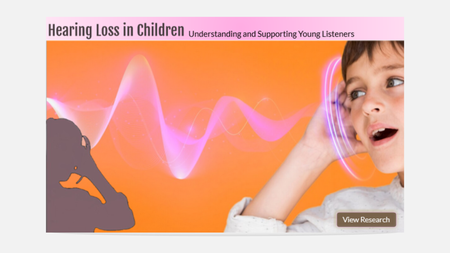
Thanks for this interesting challenge about the image echo effect. The slide I’m sharing here is about hearing loss in children. Instead of using a faded image as an echo, I chose a silhouette—it fit better with the bright colors and added a subtle layer of meaning. I was surprised how effective this echo technique was in communicating the core message. So I did some digging and found that visual echoes work because they draw on cognitive principles like figure-ground perception, visual salience, and even metaphor. A transparent or reduced echo doesn’t just duplicate the image—it regulates how we perceive the main subject, guiding focus and emotion. This makes it more than a design trick—it’s a communication tool. Enjoy! Hearing Loss in ChildrenDesigning E-Learning course in Black and White | Malware Awareness Training
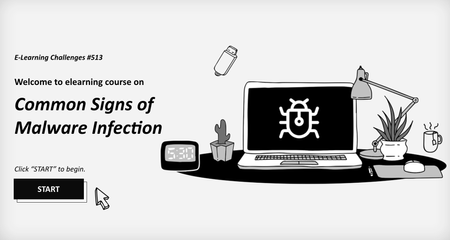
Level up your cybersecurity skills! Master malware detection with a fun, click-and-reveal twist. Simple, sleek, and effective designed in Black & White for maximum focus and clarity for learners! Course Key Features: Objective: Build your expertise in malware detection and become unstoppable! Action: Engage in interactive, click-and-reveal challenges to strengthen your skills! Feedback: Instant feedback to make you smarter with every click! Get ready to spot those malware signs! Click the link to start the fun now! https://www.swiftelearningservices.com/designing-e-learning-course-in-black-and-white/ACME Staff Selfies
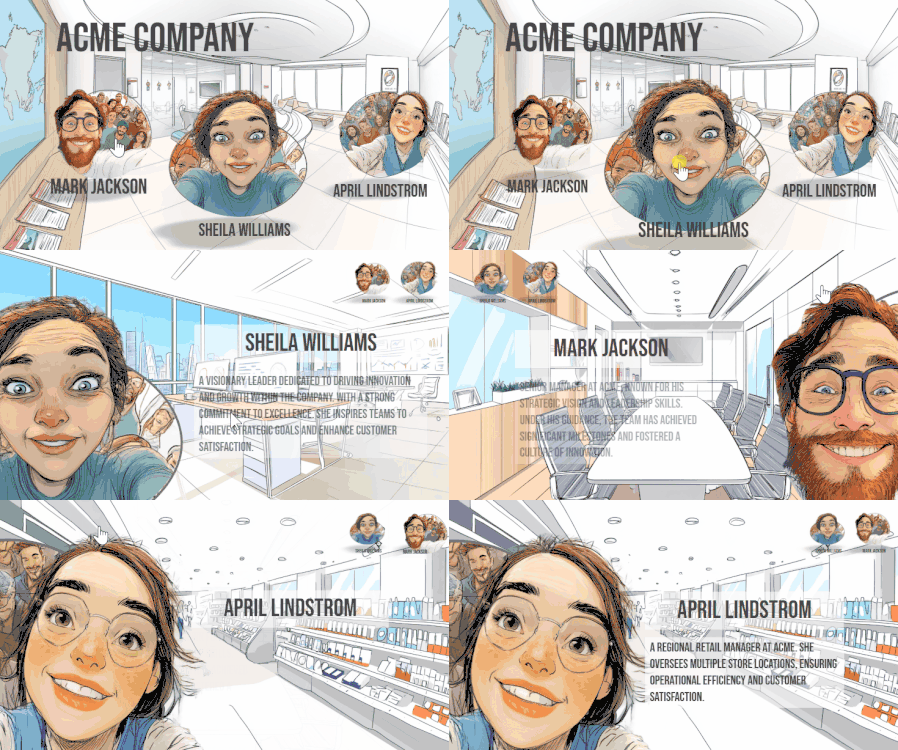
Simple interaction where you can click on different managers to learn about them. For the pop out effect I decided to go with a selfie of each person and then used a morph transition to the information slide. I used use AI to generate the images and background and I used AI Assistant to generate the placeholder text. See the demo here. About Me I love helping people learn to use the Articulate software to meet their needs at work. I especially like to help those new instructional designers who are trying their best to get a handle on things. I regularly contribute to the training team's blog where we assemble all sorts of tips and tricks. Follow it to stay up to date. I post every Wednesday to Articulate's company blogwhere I share more general instructional design tips. I used to write the Rapid E-learning Blog. Still lots of good tips & tricks in there. Connect with me on LinkedIn and follow my YouTube for more tips & tricks.Find the Dog
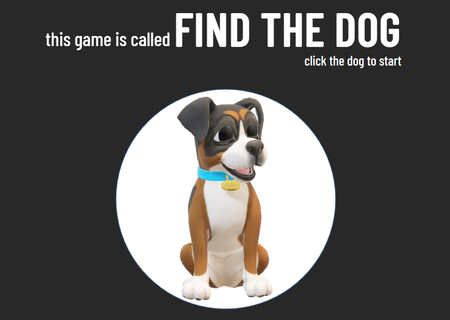
Taking a breather after some intense experimenting with the morph transition! Here’s a simplified version of the classic shell game (I think that’s what it’s called?). I remember watching it as a kid — older guys would play it on the street, trying to earn a bit of extra cash. They’d use matchboxes, shuffle them around with a hidden object underneath. If you guessed right, you’d win a few coins. If not... well, better luck next time! I called it "Find a dog" for the purpose of this challenge. Find the DogHow to Use Typography to Improve Your E-Learning
Typography—or the art of creating characters for print—is a powerful tool for setting the right mood and tone for your e-learning course. Choosing the right typefaces will help you create clear, beautiful, and legible text that complements the content, interactions, and graphics in your course. In this rich guide to typography for e-learning designers, we'll show you how to create a professional, elegant look for your course by choosing the right typefaces. You’ll learn: Why typography matters The importance of selecting the right typeface for your project How typography can be used set the mood for your learners The impact of size on legibility, readability, and learner engagement How to use fonts to help your learners navigate your courses2.1KViews3likes0CommentsChallenge 513: Black & White Character Builder – Vintage Circus Edition
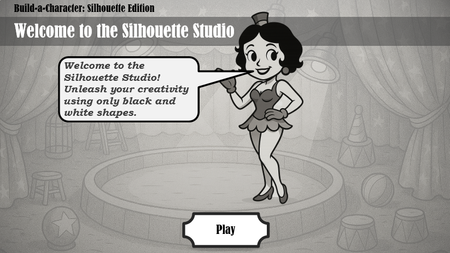
For this week’s black-and-white design challenge, I created an interactive “Build-a-Character” experience inspired by the whimsical world of vintage circuses. Using only black silhouette parts on a white canvas, learners can drag and drop elements to assemble their own unique character—from elegant Art Nouveau figures to bold strongmen and animal-inspired hybrids. This project explores how contrast, shape, and visual hierarchy can drive creativity without relying on color. It’s playful, theatrical, and full of personality—just like the circus! Built in Articulate Storyline 360 Assets: Custom-designed silhouette parts (transparent PNGs) Interactions: Drag-and-drop, text entry, and navigation buttons Let me know what you think—and feel free to try building your own character! Silhouette Studio Game