Forum Discussion

Accessibility: Font size in Storyline 360
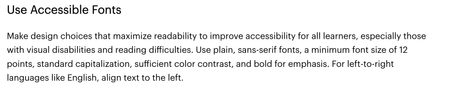

Hi LinWong-a312185 what you have to be conscious of with Storyline is that it scales in size depending on the available screen size. If you define a font-size of 12pt, and the Storyline file is always seen at least at 100% of the authored size, then you can be confident that users will always see a font size of at least 12pt.
Here's an exaggerated example of where that can go wrong. Let's say I develop a course in Storyline and define my normal text as 12pt font size. The dimensions I set on my project are 2048x1536, but the most common desktop size in my organisation if 1024x768 (50% of my project size). When people view the module on their device, they are seeing the font at 6pt rather than 12pt as the Storyline height/width are scaled to fit the users device which is 50% of the authored size.
To ensure your users are seeing the font at the appropriate size, ensure your initial project has dimensions that support the target environment.
Storyline scales content proportionally and is not responsive (like Rise).