Forum Discussion

DarienStent
5 years agoCommunity Member
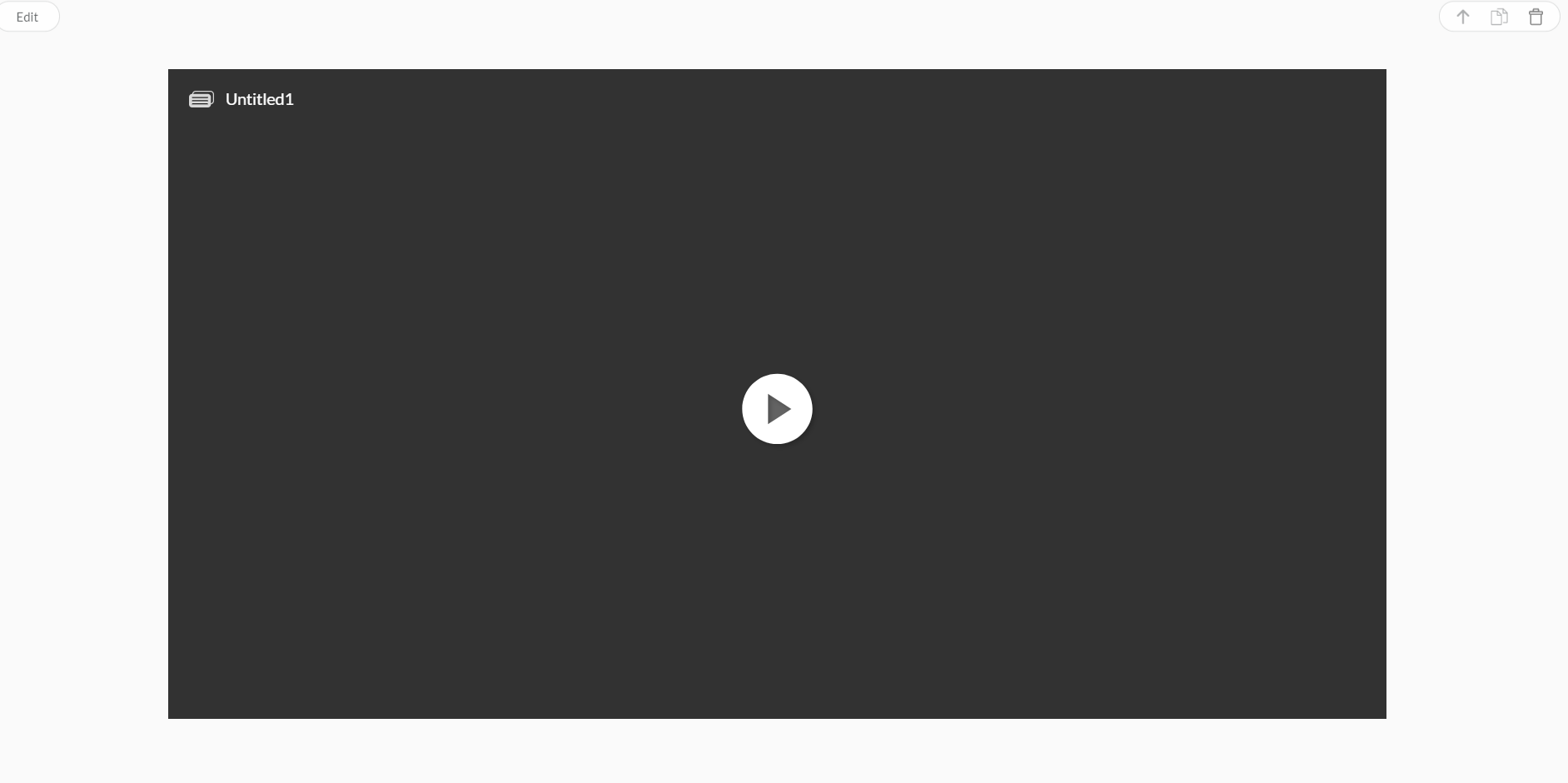
Articulate block showing as "Untitled 1" in Rise
Hi everyone,
I've just started using Rise and have been experimenting with inserting Storyline blocks. When I insert my Storyline blocks into Rise, 2 of them come up with the title as the file na...

AlyssaGomez
5 years agoStaff
Hi Darien!
You can remove the Storyline Block title so that only the play button will display. Here's how:
- Open the Storyline 360 file, and click the Player button to open the Player Properties window.
- Delete the title in the Title field in the Player Properties window and uncheck the title option.
- Re-publish the content to Review 360.
- Back in Rise 360, delete the Storyline block.
- Add a new Storyline block, and insert the latest version of the Storyline content.
Let me know if that makes a difference!