Forum Discussion

DarienStent
5 years agoCommunity Member
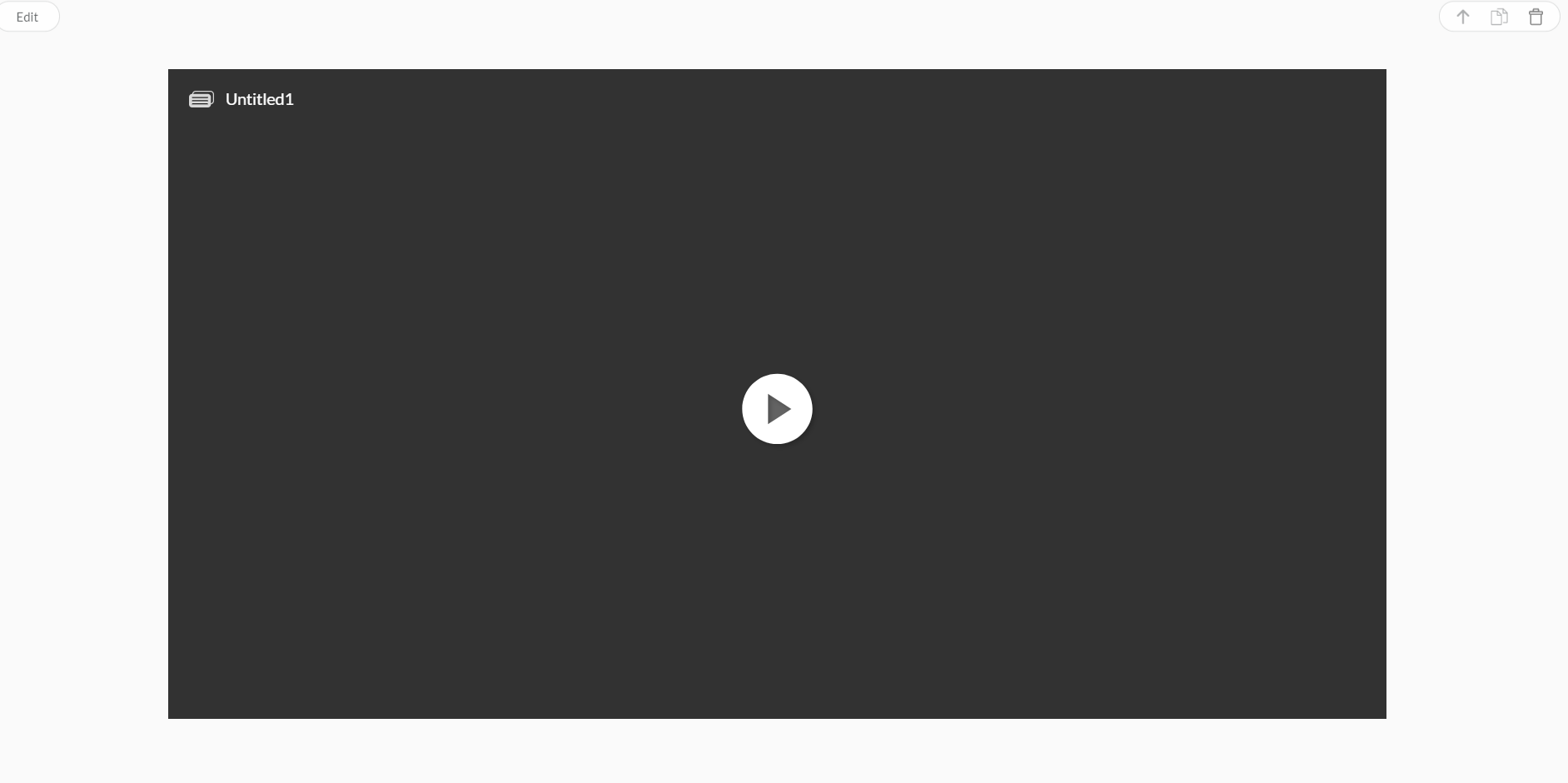
Articulate block showing as "Untitled 1" in Rise
Hi everyone,
I've just started using Rise and have been experimenting with inserting Storyline blocks. When I insert my Storyline blocks into Rise, 2 of them come up with the title as the file na...

Renz_Sevilla
5 years agoStaff
Hi Christine!
To customize your player, go to the Home tab on the Storyline ribbon and click Player. When the player properties appear, the Features button will already be selected on the ribbon.
If you can't see any of the options for features or the Features button is grayed-out, the Menus & Controls option on the ribbon is turned off, and all player features are automatically disabled.
To enable the Features button, switch the Menus & Controls option to On on the dropdown at the top under Player Style.
