Forum Discussion

Conditional Triggers/Hot Spots
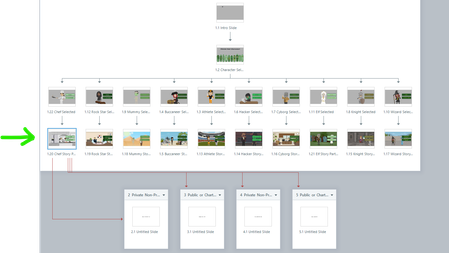
- 8 months ago
Is there a reason all of your variables are set to True by default? If they’re already True, clicking to set them True again doesn’t change anything.
As it stands, it looks like there are effectively no conditions at all, so the triggers execute in order regardless of logic. That would explain why everything ends up going to Scene 2.
Try setting all the variables in the trigger panel to False first, then run the flow again and see whether that changes the behavior.


It looks like the course is showing the layer and then executing that layer. It never sets the variable because it has jumped to the layer already. I'd try dragging the variable setting trigger before the show layer trigger.
I tried moving some of the triggers around based on my understanding of your suggestion but that didn't seem to resolve the issue. Am I needing to move somethings from the "NSLP or SFSP Only" layer to the "Private or Public" layer?
Related Content
- 3 months ago
- 1 year ago