Forum Discussion

Editing content in Rise

Katrina123: Ange provided good advice. I'll add a few notes.
As Ange said, you may not have permission to edit the Theme. Here's what the User Guide says about permissions:
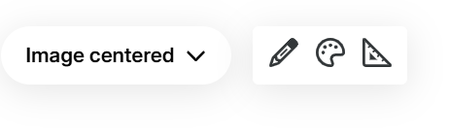
Be aware that the Theme button only appears when you first open a course in Rise. (It goes away when you are editing a Lesson or Quiz.)
The Block Library appears at the bottom of a Lesson for adding extra blocks there. When you hover over any block, a + sign appears at the bottom of the block. Clicking that opens the Block Library for inserting a block at that point.
The Block Library isn't used to edit existing blocks. To do that, use the buttons that also appear when you hover over a block. The buttons are the left edit content, etc. The buttons on the right are for moving the block, duplicating it, or deleting it.
The Theme allows color changes to Headers, but it doesn't have a way to add a logo or other graphic.
An alternative is to turn off the Lesson Headers (assuming you can access Themes), and then create your own header blocks.