Forum Discussion

How to update Storyline 3 to the latest version?
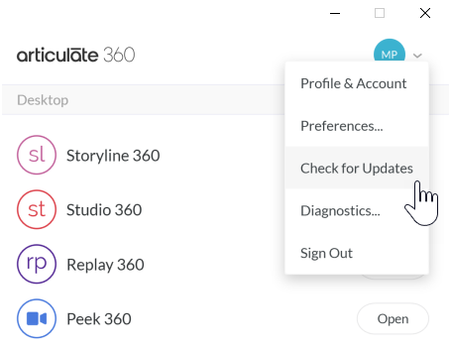

Hi, Lauren, thanks for your reply.
One of the main issues I am having is that when I try to add a Block Template, I can't get my Rise 360 courses to see any Storyline 360 interactions I publish to Review 360.
I read on this thread that I need a newer version of Storyline 360. I'm certain this is the cause of my other problems as well.
I can't seem to update my version of Storyline 360 to the latest version. Via the Articulate 360 desktop app and click 'Check for updates' I get the 3 ellipses as described by Michael above then it disappears.
I tried downloading the June 18, 2024 STORYLINE 360 exe and the June 18, 2024 STORYLINE 360 X64 exe from the Download link you shared with me and they both installed, but neither of them would run. However, I now had the option to 'Install latest update' from the Articulate 360 app, and it simply installed the old version again (screenshot attached)
Any ideas? Thank you
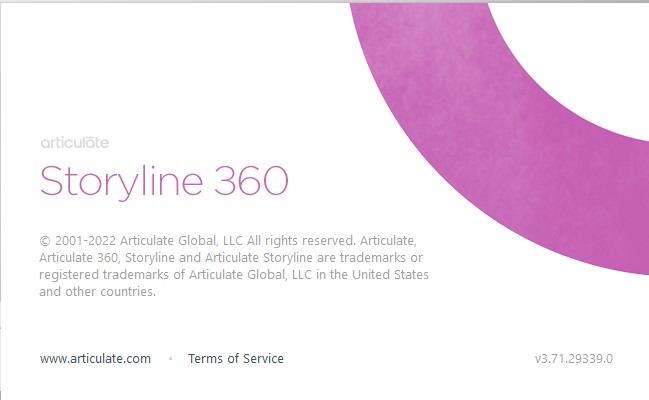
Just an update that I contacted Support and they were able to help me solve the problem on all counts by uninstalling, cleaning up, and reinstalling by following their instructions. Big thanks!
Related Content
- 7 months ago
- 8 months ago