Forum Discussion

Images not visible in accessibility checker
I'm trying to add alt text to images in the accessibility checker, but every image appears to be totally blank. If I hit the "generate alt text" button Storyline just freezes up and I have to force quit. Any tips? There are no software updates available in Articulate 360 so I believe everything is up-to-date.
4 Replies
Hi CharlesMorrow,
Thanks for sharing those details, and for explaining what you’re seeing.
I gave this a try on my end using the latest version of Storyline 360 (Build 3.116.36776.0) with a simple test image, and I wasn’t able to reproduce the behavior. The image preview showed up as expected in the accessibility checker, and generating alt text worked without freezing.
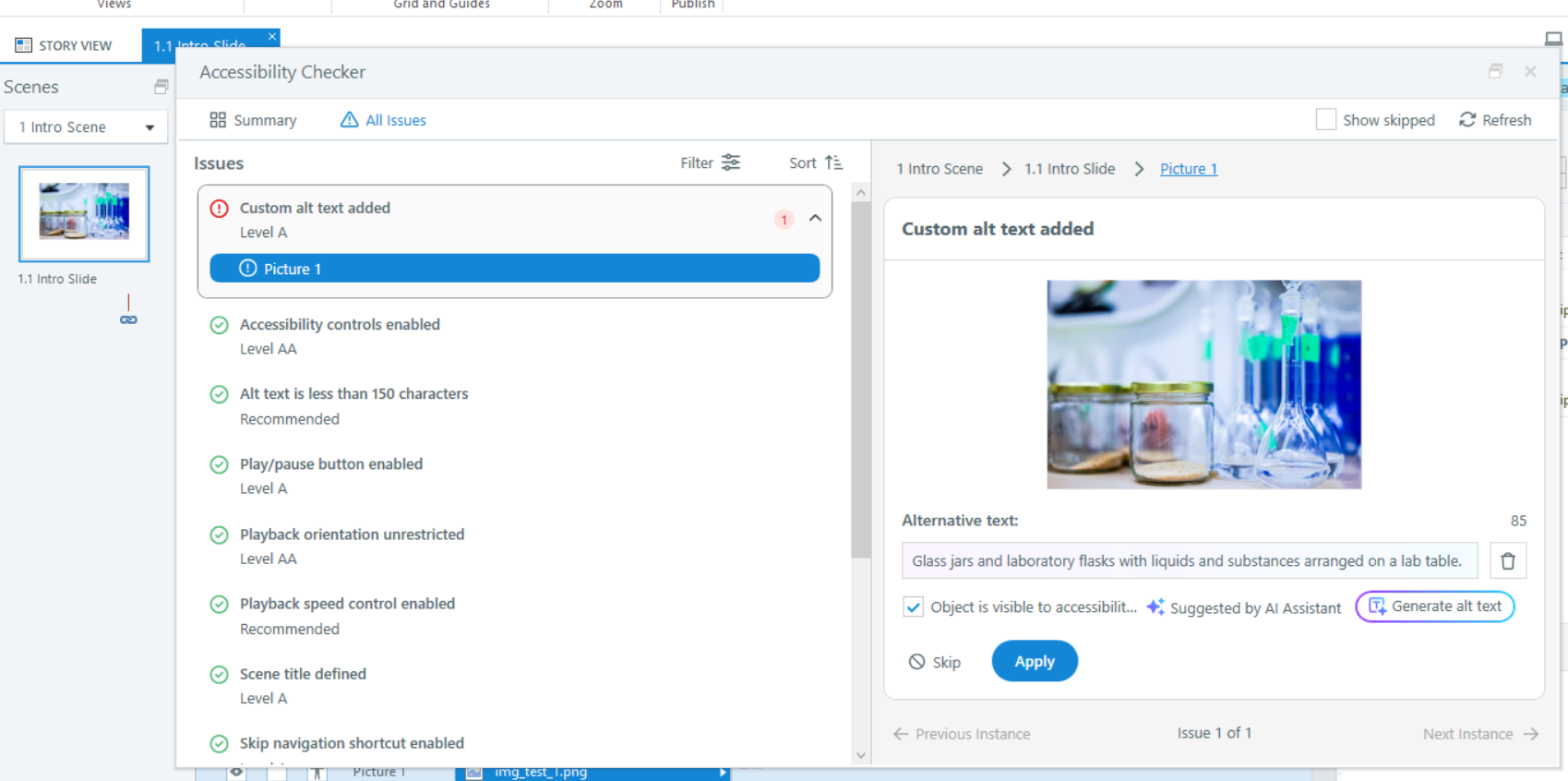
Because of that, this may be something specific to your project file.
A few things you might try:
- Test with a new blank slide and insert a fresh image
- Check if this happens with all images or just certain ones
- Run a quick repair of Storyline 360 to make sure everything is installed correctly
I’ve also attached the sample file I used for testing so you can compare on your side.
If you’re still seeing the same issue after trying those steps, it would be helpful for our team to take a closer look. You can share your Storyline file in a support case so we can investigate further.
- CharlesMorrowCommunity Member
This happens to me ALL THE TIME and drives me nuts. Usually restarting Storyline will fix it, but I'm working on one now that I just can't make work. Storyline updated this morning. This makes it impossible to determine whether the alt text should be kept or not.
- CharlesMorrowCommunity Member
I'm wondering if it just gets overwhelmed when there are too many images. The one I'm working on now has over 500 images with all text added. Sometimes it will show 1-3 images, but then the rest will appear all white.
