Forum Discussion

Asarudeen
3 months agoCommunity Member
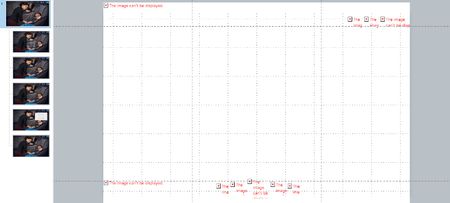
Images showing “The image can’t be displayed”
Hi everyone,
I’m facing an issue in Storyline 360 where multiple images on slides show a red cross placeholder with the message “The image can’t be displayed.”
Key details:
The project was st...

LaurenDuvall
3 months agoStaff
Hi Asarudeen! These details really help!
If you’re seeing a red X, the image may be corrupted in the file. Here’s what I recommend:
- Delete the image with the red X.
- Go to Insert → Picture.
- Reinsert the original image file instead of copying or duplicating it.
If it’s happening on multiple slides, reinsert each affected image individually.
After that, do a Save As with a new file name. This helps Storyline rebuild the project file cleanly.
If you’re still seeing the issue, would you mind sharing the .story file? You can share it publicly in this thread or privately in a support case.
Related Content
- 10 months ago