Forum Discussion

RyanByford
11 years agoCommunity Member
Storyline crashing consistently when playing timeline
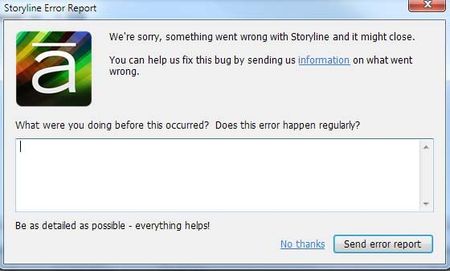
Articulate Storyline crashes probably 5+ times a day for me (this has been going on for weeks). It always occurs when I try to preview a timeline for a slide. I hit the "play" icon in the lower le...

AshleyT-Pollard
11 years agoStaff
Hi Joy and welcome to Heroes,
I'm sorry to hear about the constant crashing you're experiencing - and it's definitely something we'd like to look into.
First, I'd like to check that you're following along with the steps detailed here which are known to cause odd behavior in Storyline:
- Work on your local drive (your C: drive).Working on a network drive or a USB drive can cause erratic behavior, includingfile corruption, loss of audio, and other unexpected behavior.
- You should also make sure the directory pathto your project files and your published output is less than 260 characters(for example C:\Articulate).
- Avoid using special characters, accents orsymbols in your file names.
Next, what version of Storyline are you using? We're currently on update 5. You'll also want to make sure Storyline is installed on your local drive and that you're up to date with the minimum requirements here.
Lastly, you mentioned uninstall Flash and repairing Microsoft, but I'd also recommend going through the repair steps for Storyline here.
Related Content
- 10 months ago