Forum Discussion

DanEccleston-c1
11 months agoCommunity Member
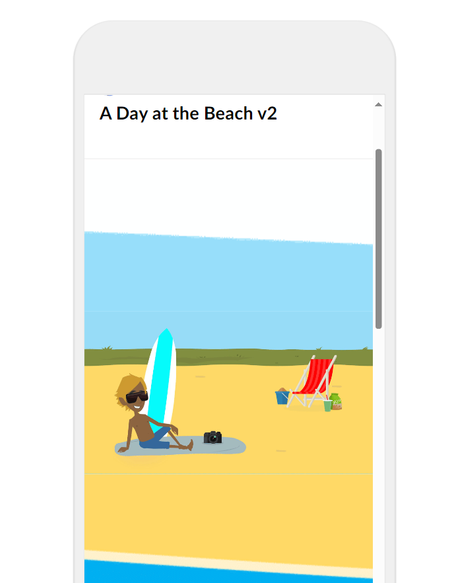
Teenie Weenie Annoying Line Between Blocks
Hi Guys,
I am hoping someone here has cracked this, I have done some searching on the community and found a post from 7 years ago, but the potential fix there did not work !
I am trying to make...

elizabeth
11 months agoPartner
Couple of thoughts:
- It looks like the line under the guy is blue - any chance you have a block background color set for this block? If so, remove that.
- Does this happen in preview or also when you publish it? Sometimes those lines appear in preview mode but not in the published output.
- You could also try cropping off just a smidge of the images and double checking that all of your padding is set to 0 at top and bottom! It looks like it is given how small those lines are
- Are your images different types (svg vs. png vs. jpg)?
- For the full width image decorative blocks, I like to use the labeled graphic block with no markers on it. It gives you a little more control over the cropping of the image and it won't scale strangely on different devices
Related Content
- 2 years ago
- 5 years ago