instructional design
766 TopicsPeer Pod Coming Soon: “New to Instructional Design” — Who’s Joining Us?
We’re kicking off a brand-new Peer Pod for anyone who’s new to instructional design and you’re invited! 🎉 Peer Pods are 4-week learning groups where community members explore a topic together through weekly prompts, curated resources, and shared discussion. Whether you’re a few days or several months into your role, this is your chance to connect with peers, reflect on key topics, and build confidence together. Here’s what we’ll explore: ✨ What to focus on as you get started 📦 Intro to Articulate 360 + course design best practices 🤝 Tips for working with SMEs 💻 Best practices for incorporating AI By the end, you’ll walk away with a stronger foundation and a group of peers cheering you on. 🗓 Start Date: Monday, January 12, 2026 Participants will be added to the private Peer Pod group about a week before we begin. 👉 Want to join? Fill out the registration form. 💬 Your turn: What Peer Pod topics do you want to see next? If you could join a focused 4-week learning group, what topic would you choose? Drop your ideas below so we can build pods around what you want most. 🙌686Views13likes31CommentsOnline Courses for Instructional Design
Hey there! I was wondering if anyone had any suggestions for non-Articulate courses on Instructional Design/Development. I've been at this for a while now, so I'm not really looking for a beginner-level course, but something intermediate and above. Thoughts? Thanks!33Views0likes2CommentsCustom Block - Images/Gifs not loading/appearing
Hello! I am creating a custom block where the image/gif is on the left, the title and copy is on the right and below is an audio recording. I am running into issues where the content that I am uploading (images/gifs/videos) aren't loading when I preview or even upload. I have tried using it with other custom blocks and stock images from the Articulate library and the same story. I have cleared history/cache/data, updated my chrome, updated my laptop, made sure all my articulate apps are up to date (even though this is a RISE course) and even spoke to the custom blocks team at DevLearn in Las Vegas last week... wondering if anyone has any advice on how to solve this.273Views1like9CommentsMystery: Video Pause vs. HS Shape disappearance
Good day community! If I have set the timeline to pause at 31s, shouldn't everything pause? I have my arrow shape and HS button appearing at 30s and a trigger to pause video at 31s. Why is the arrow (seemingly) disappearing before the 31s? See settings below. Trial #1: project successfully pauses at 31s (in preview) Trial #2: deleted arrow and trigger, and applied again - no change Trial #3: pulled arrow to 34s and arrow remained in the scene during preview, and present after when clicking on the HS and the video continued. Which makes sense. Project goal: is to pause the video and for the user to press the arrow to resume the video. Not sure exactly what the issue is, it seems like the arrow is disappearing before, during, or slightly after the 31s mark?Solved32Views0likes2CommentsUsing Rise360 for Virtual In-Person Courses
Hi everyone! We are currently brainstorming how to use a Rise Course as a presentation tool. We host online live sessions using Canva as a presentation tool, but are trying to figure out how to best use a rise course as a live presentation tool. Does anyone do this? Our main road block is that other tools (Canva/PPT) have a notes function built in that our facilitators use for the dialogue they are expected to follow during the session. We can't figure out the best way to do this, other than having a notes doc for them to open separately from the Rise course. For anyone that works at Articulate reading this, is this a new idea? Do you have any suggestions? I would love to brainstorm through some ways you can see using Rise as a presentation tool! Thanks everyone!204Views1like6CommentsStoryline 360 now supports transparent WebM video
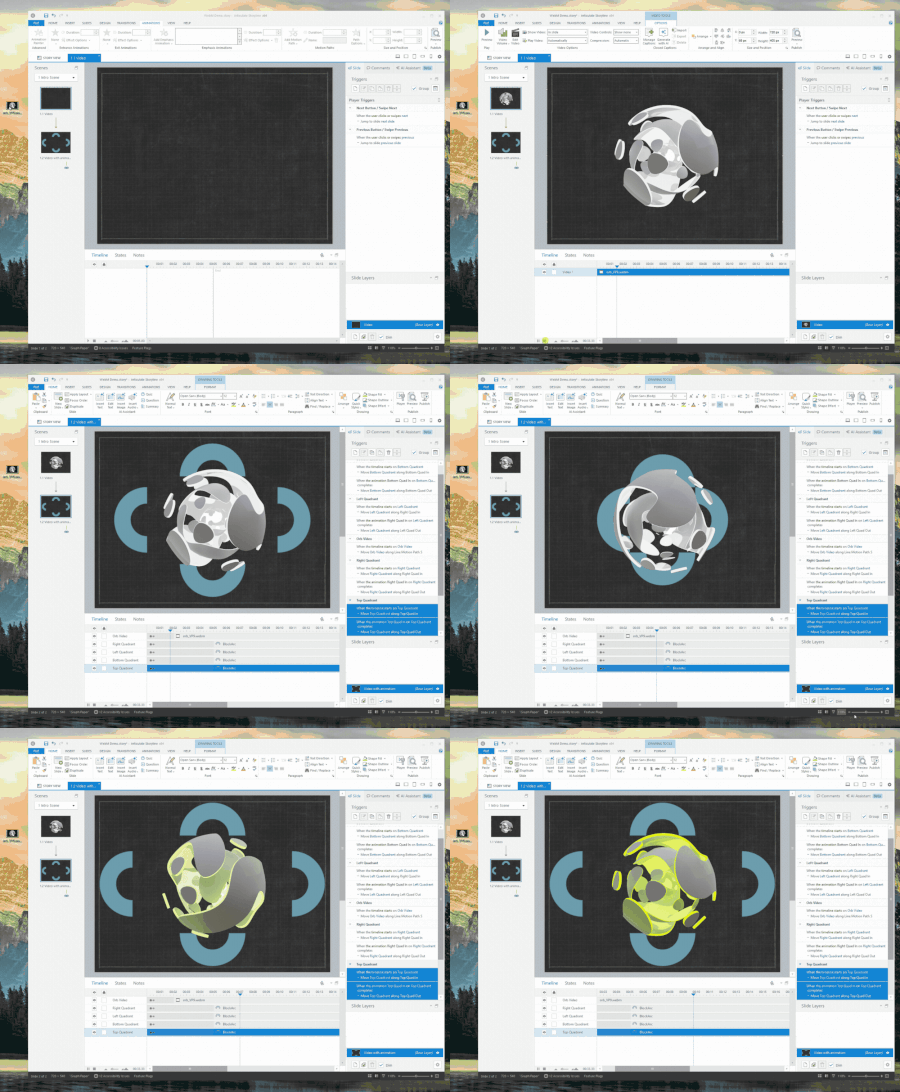
Hello and welcome to 2026, Storyline users! Toward the end of the last year, we quietly shipped something pretty powerful. You can now import WebM videos into Storyline, including those that use real alpha channel transparency. In the clip below, I’m dropping a WebM onto a slide with a textured background so you can clearly see that texture showing through the video. Then on the next slide, I add a few objects that animate behind the video while it’s playing. No boxes. No masking tricks. Just actual transparency doing what it’s supposed to do. This wasn’t a big splashy launch, but it meaningfully expands what you can create. If you’ve ever wanted motion graphics or visual effects with transparency that feel native to the slide, this opens that door. One important note: support for transparent WebM is solid in Chrome, Edge, Firefox, and other Chromium-based browsers. Safari and Apple devices don’t currently support WebM transparency in the same way, so this works best when your learners are on those supported browsers. I’m really curious about how you'll use this. What kinds of transparent video would be most valuable in your courses? Where does browser support influence your design decisions? What other video capabilities should we be thinking about next? Looking forward to the feedback.98Views2likes1CommentStoryline 360 Tip: Placeholder Text
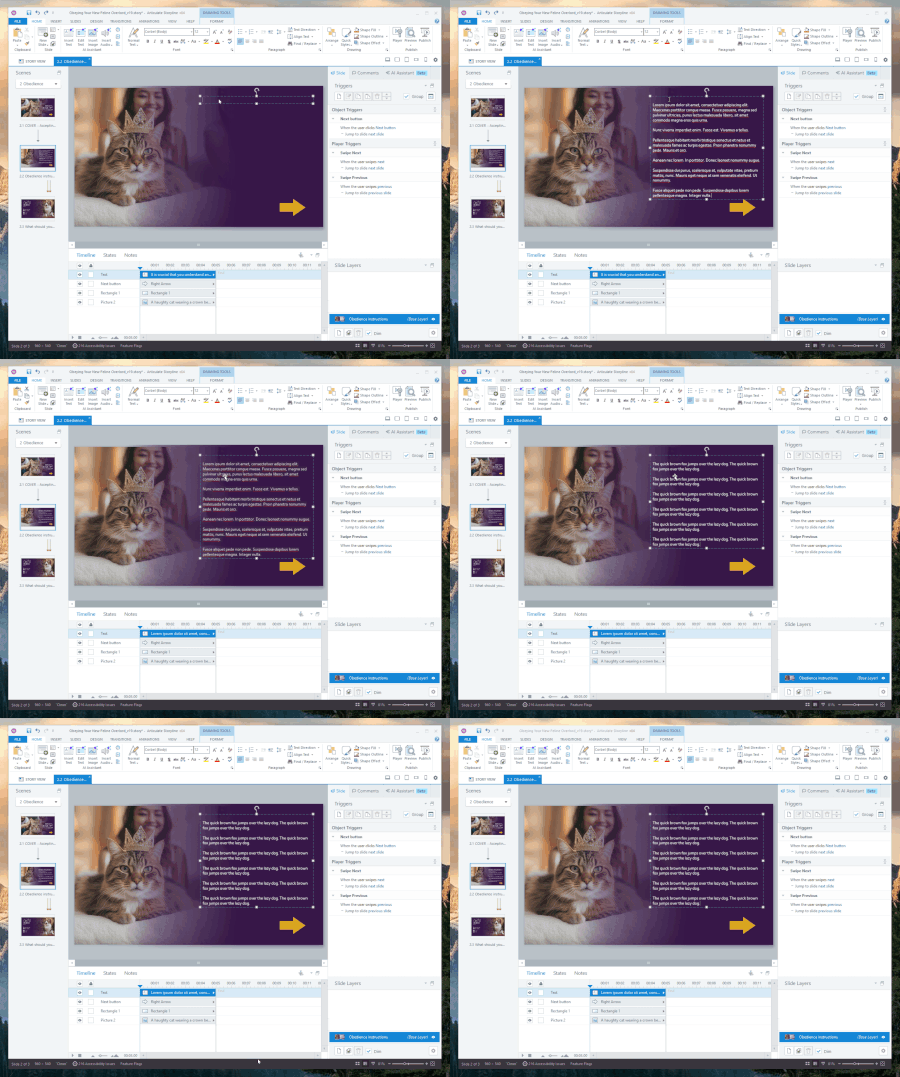
One thing that quietly slows down course building is waiting on final content. You want to design the layout. Test animations. Dial in spacing. Make sure interactions feel right. But the real text is still “coming soon,” so progress either stalls or you start designing around a sentence fragment and a prayer. Storyline has a better way to fake it responsibly. In any Storyline 360 text box, try this: =lorem() You’ll get placeholder Lorem Ipsum text right away. By default, it inserts 3 paragraphs with 3 sentences each. Enough to see how things really behave without waiting on real copy. Need to control it? This acts like a function call and takes two optional numbers. The first number is how many paragraphs you want. The second is how many sentences per paragraph. For example: =lorem(2,5) That gives you 2 paragraphs with 5 sentences each. Great for stress testing text-heavy slides. There’s also: =rand() This one generates paragraphs of the classic “the quick brown fox jumps over the lazy dog.” This function takes the same parameters, but defaults to 3 paragraphs of 5 sentences each. Slightly more readable than Latin, slightly more ridiculous, and honestly perfect for layout work. Why this matters: • You can keep building without waiting on content • You can design for real world text length early • You can focus on interactions and flow first Check out the attached gif to see this in action. Small feature. Big time saver. If you’ve got other Storyline tips that feel almost too small to mention but you use constantly, I want to hear them.21Views2likes0CommentsTimed Gating to Support Compliance and Continuing Education Requirements
Is there a way to add a timer or delay in Rise before a Continue button or divider becomes active, so learners can’t just click straight through the content? We need this for compliance, particularly when we need to prove that learners spent a minimum amount of time in the training. I know I can use the Continue divider, but the learner can click through without reading and have the continue divider activate. I tried adding an audio file to each tab, for example, but it doesn't make them listen to an entire audio file within a tabs interaction before moving to the next tab or continuing the lesson.17Views0likes1CommentIssue with Play/Pause button on base layers
Hi! I am working on this project, and the play/pause button will work on the base layer, pausing and stopping the audio when pressed. When it goes into one of the other layers of the slide, there is only a play button; it will not pause, and when clicked, it restarts the layer and its audio. I would like for viewers to be able to pause the slide and audio and rewind it if they need to rewatch. I'm not sure what I should do outside of maybe creating custom pause/play buttons, but why is the system play/pause button not working?Solved55Views0likes5Comments