interactive video
20 TopicsTurn Any Recording into Interactive Video Training
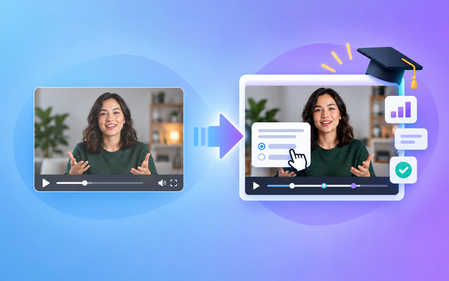
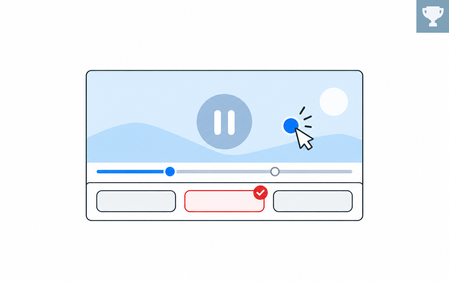
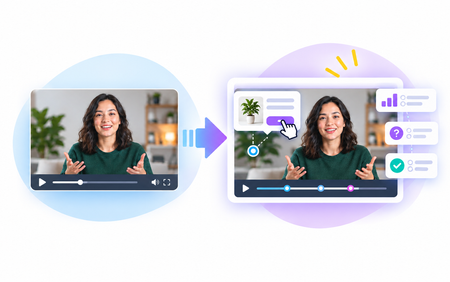
Recorded calls and presentations can be useful resources on their own, but with the Interactive Video content type, you can turn passive recordings and videos into meaningful training experiences. In this session, you will learn the fundamentals and best practices for using this format effectively.1.9KViews0likes0CommentsFirst Day on the Job - Learning the Espresso Machine
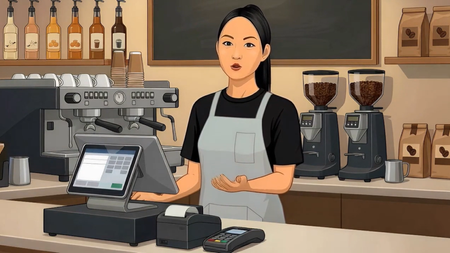
Hi everyone! For this week’s E-Learning Challenge, I decided to have some fun and see how many new skills I could implement in this café-inspired mini-video quiz. I am brand-new to Storyline, so I welcome any and all constructive feedback! For this project, I tried out the new AI Assistant Avatar feature to create the barista and produce the voiceovers. I think you all will find the final video rather amusing—the system overdid the character animation a little, and I honestly found it quite humorous! Since this is a practice project, generating another variation would just waste credits, but it taught me what to expect and how to better prompt the tool next time. The audio in the beginning and end was generated by Storyline, and the music at the end (‘Background Jazz’ by PulseBox) I got from FreeMusicArchive. Having the AI generate the videos left me with plenty of time to invest in learning basic triggers and layers for the interactive quiz. I also got well-acquainted with formatting these elements and adjusting how they appear on the timeline. These weekly challenges are so beneficial—they place you right into the software, spark creativity, and build the perfect environment for learning and retaining a solid repertoire of skills for flagship portfolio development. Happy creating! LINK TO PROJECT: https://360.articulate.com/review/content/7b08a5e4-7a00-4071-9ea2-87661a08e210/review499Views12likes7CommentsForest Finds
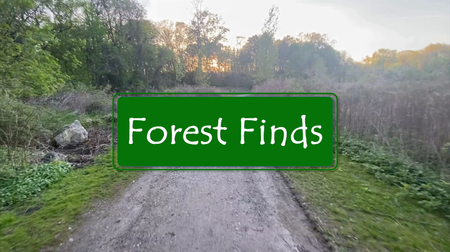
Hi there! This entry is an interactive hike designed to help learners relax and remain mindful, while enriching their encounters with relevant information. In addition to the goals requiring learners to identify specific animals and objects, there are moments between tasks that just ask for presence. Even while creating this I found myself wanting to remove/speed up the "empty" spaces and allow learners to just "get to the point" but, after reminding myself it was only a 5 minute video, excluding the time taken to read additional information, I decided to leave them in. The video was recorded on my phone while hiking, then I added voiceovers using ClipChamp and grabbed images and background information from a number of sites (available in the resource links). I can see this being expanded to add plant, insect, and maybe even landmark identifiers. Still figuring out triggers & hotspots but happy with these initial results. As this is my first eLearning challenge entry, and second Storyline creation, I welcome all feedback so I can continue learning and improving. Thank you for viewing! View Forest Finds HereFeelings Pulse
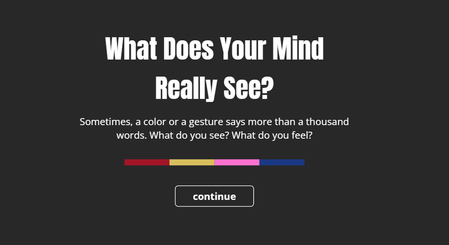
This is an interactive experiment using poll-style questions within a video. It’s designed to describe emotions through colors and characters, using four simple questions. Each question is linked to a color — Red, Yellow, Blue, and Pink — and presents a few emotional choices for you to pick from. You’ll only be able to select one answer per question, and only once per session. Your response is saved anonymously and added to the overall results. At the end, you’ll see how others have answered as well. This isn’t based on any scientific research — it’s just a creative way to reflect on emotions and try out interactive video features. Thank you for being part of it. Feeling PulseDreams of Directing...
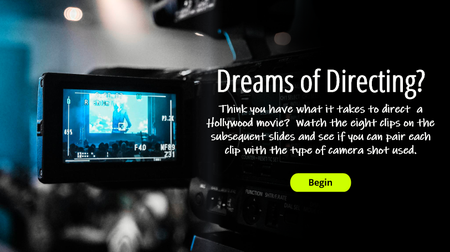
View the example. Description: Taking inspiration from the "movie" theme, here's my take on using interactive video in an e-learning course. It challenges the user to watch a movie clip and determine the camera angle used when filming. It also utilizes a simple drag/drop feature to determine correct/incorrect responses. Video clips and visuals from Studio Binder.German cakes
This week, I revisited one of my past projects — an interactive listening comprehension exercise I created in Storyline. I was amazed by how powerful Storyline is for developing interactive language-learning content, and how quickly you can build it! View an example About Me Kate Golomshtok Website Email LinkedIn