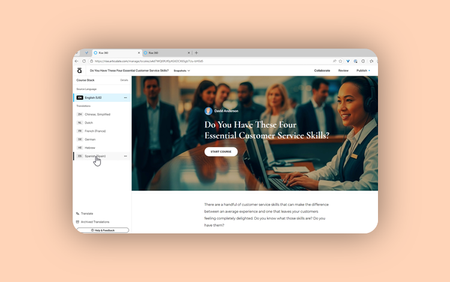
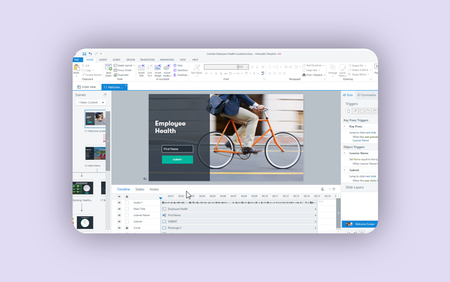
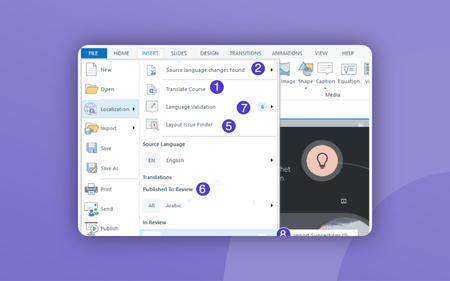
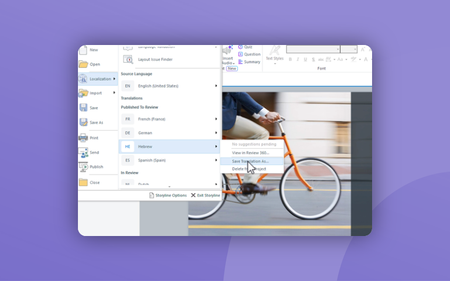
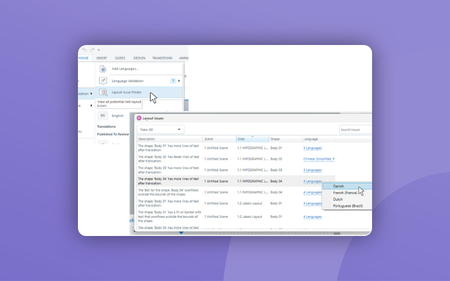
Most RecentNewest TopicsMost LikesMost ViewedSaving Translations as New Projects to Customize Fonts in Rise If you want to use a different font for one or more translated courses, you’ll need to save each target-language course as a separate course in Rise 360 Saving Translations as New Projects to Customize Fonts and Colors in Storyline If you want to use a different font for one or more translated courses, you’ll need to save each target-language course as a separate course in Storyline 360. How to Add and Remove Translated Languages in Storyline In this movie, you’ll learn how to manage languages in a multi-language project by adding, updating, deleting, and exporting translations, as well as validating language versions and fixing layout issues. When to Use "Save Translation As" in Storyline In this movie, you'll learn why and when to use the Save Translation As feature in Storyline. Publish Multi-Language Storyline Projects as Separate Packages In this movie, you'll learn how to publish your multi-language Storyline courses as separate packages. Creating Language Specific Layouts in Storyline In this movie, you’ll learn how to use the language trigger condition in Storyline 360 to create custom custom layouts that displays differently depending on the learner’s selected language. How to Find and Fix Layout Issues in Storyline In this movie, you’ll learn how to use the Layout Issue Finder in Storyline 360 to identify and fix common translation-related layout problems across multiple languages.