Forum Discussion

Change bullet color in Rise
- 4 months ago
Hi everyone,
I'm happy to let you know we released a new update for Rise 360. This update adds the following feature:
- Use the Bullet Style options in the text formatting toolbar to modify the size and color of bullets and numbers in lists.
There's nothing to install for web apps. New features and fixes are immediately available.
Let me know if you have any questions about this update!


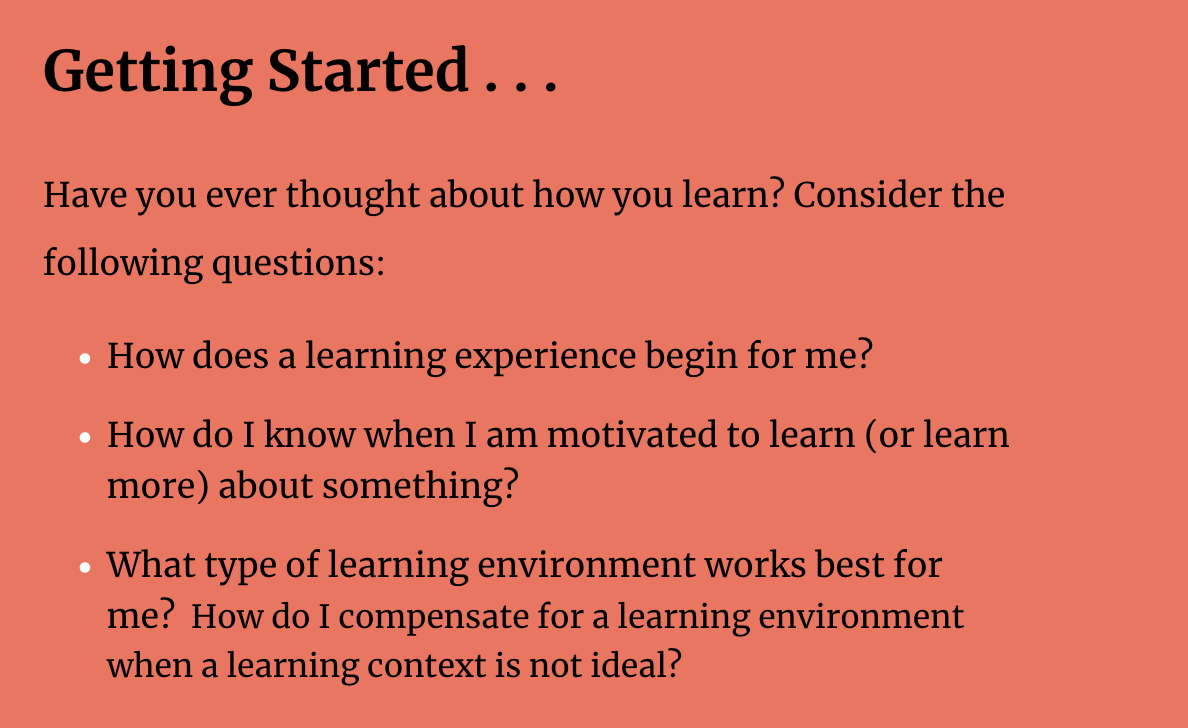
You must have just upgraded things as my almost completed course now has white bullets with black font type - same with numbers - how can I fix this? Thanks.

Hi there, Elizabeth! We've recently released our enhanced authoring controls, unlocking additional formatting features for your blocks.
I'm able to reproduce what you're seeing by using the auto-contrast setting on my text block. If the background color is dark enough, Rise 360 is automatically adjusting the text (and bullets) to white to meet accessibility requirements for contrast. You can format the text to be black, but the bullets remain white.
To fix this, try using the dark contrast setting, forcing your bullets to be black like your text. This setting overrides the accessibility guardrails we've added for contrast.
Let me know if that doesn't work!
Related Content
- 2 years ago
- 1 year ago
- 6 months ago