Forum Discussion

Crossword Puzzle Triggers
- 3 months ago
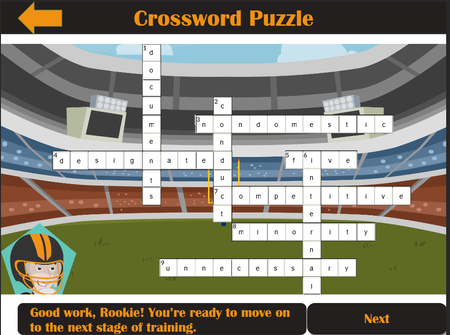
Here's the top part of the trigger that shows the Try Again layer:
The conditions are connected with "and." That means that the Try Again layer will show when all the conditions are met. Which means it will only show when every entry is wrong. If any entry is correct, nothing will happen (unless, of course, all entries are correct; then the trigger that shows the correct layer will run).
To have a trigger run if any of the conditions is met, the conditions need to be connected with "or." (Click on each "and" and a dropdown will appear that allows you to select "or.")
The simplest solution, though, is to delete the "Show layer Try Again" trigger. Instead, show that layer via an Else statement added to the "Show layer Correct" trigger.
Thank you again Judy! This was a big help. I went with the simple solution you suggested.

You're welcome! Pay it forward when you can. 😊
Related Content
- 2 years ago
- 2 years ago
- 1 year agoDeleted user