Forum Discussion

Problem with the screen recording in Articulate. HELP!
EricSantos pls help if you could.
- elizabeth6 months agoPartner
It looks like you recorded in a 16:9 aspect ratio, which is normal since that's what most laptop monitors are (or close to). But your slide is a 4:3 aspect ratio. Storyline has to compress your 16:9 recording to fit on a 4:3.
Screen recording areas should always match the slide size.
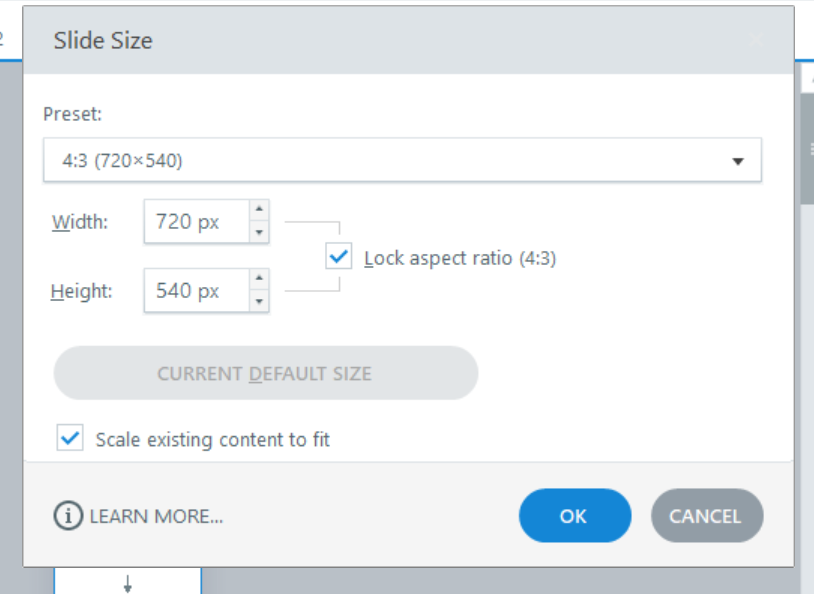
Try unchecking the box that says "lock aspect ratio" in your slide size, and resetting your slide back to 960 x 540 (although even that may be a smaller number of pixels than what you recorded).
- King16 months agoCommunity Member
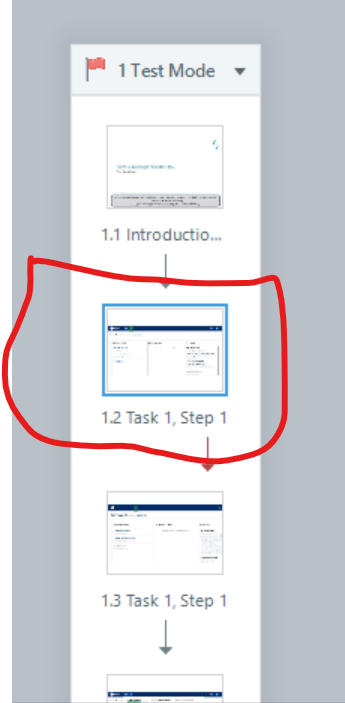
Hi. Thank you so much for your response. I tried your suggestion and I could change the slide size, however; there is still a problem. I am not able to drag the recording to fit the slide size in width. Below is the SS of what happens after unchecking the "lock aspect ratio" in the slide size: (It simply doesn't allow us to drag and adjust the recording like how we always pull and drag or adjust images by the corners)
I have put the screenshots for your reference in the correct order, starting with what happens when we uncheck that (LAR) and select 4:3 ratio and later by again unchecking that (LAR) and selecting 16:9 ratio
- LucianaPiazza5 months agoStaff
Hello King1,
Thanks for sharing these updates with us! I'd like our support engineers to take a closer look at your setup so we can continue troubleshooting. We'll be in touch shortly via email to continue the conversation. Thank you for your patience!





Related Content
- 3 months ago