Forum Discussion

Project STORYVIEW is an OCD Nightmare ☠
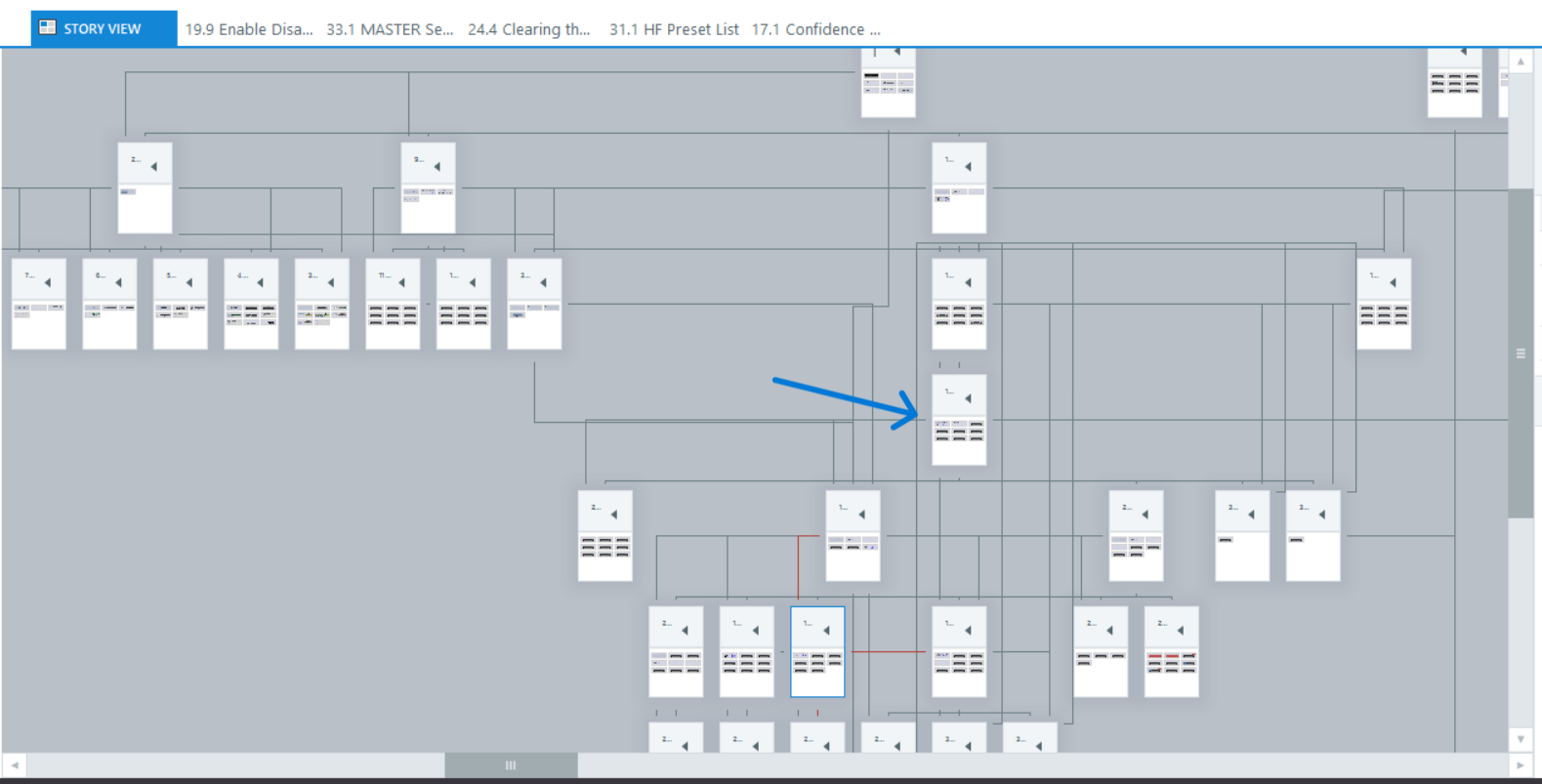
I have created a robust gamification module that will be repurposed for 8 more modules contained in the same project. There are a lot of if/or in my declarations, which leave my storyview a complete mess - even though it works perfectly. Is there any way to get this more organized through any of the onboard tools or tricks? Have a look here:
http://www.thomasjpaul.com/storyline/Storyview_Unorganized.mp4
My DEV link is here in case you want to have a look at it in action:
http://www.thomasjpaul.com/402-1L-04-IMM-229/dev/
Thanks so much for you time!!
3 Replies
- DavidNowlin-f8aCommunity Member
Hi DavidNowlin-f8a!
I'm sorry to hear certain Storyline scenes are not appearing in Story View!
Can you confirm the .story file is stored on your local hard drive? Authoring directly off of a network or shared drive can introduce unexpected behavior such as this. If you're already working locally, I suggest importing the Slides into a new project file.
If that doesn't do the trick, it would be helpful to see a copy of the file you're working with. Feel free to upload that here in the discussion or privately through a support case.
Looking forward to hearing from you!
- AngeCommunity Member
Hi MattMurray
Your DEV links goes here to attached screengrab (?)
I remember dealing with a similar story build that was to be used as a template for multiple modules. It was somewhat labor intensive - someone else may be able to offer a quicker fix.
I suggest making a copy of the SL file - in case!
I believe I added more scenes to organize the module, and in some instances manually moved the slides in storyview to where they made the most sense. Then I manually rearranged the SL generated dropdown menu to make sense of the changes.
Hope that helps, if not, seeing the SL file would make it easier to offer a more targeted resolve .





Related Content
- 2 days ago