Forum Discussion

Storyline 3 Crashes on iPad Safari and Chrome
Storyline Version 3 courses crash when clicking Next or Previous on an iPad on SCORM Cloud and another LMS called Ti LMS.
- Sent case to Articulate support
- Published as HTML5 or HTML5/flash
- SCORM 1.2 (experienced crashes on 2004 3rd Edition as well)
- iPad/IOS 10.3.1
- Does not crash on laptop and desktop browsers such as Safari, Chrome, and FireFox.
- Courses range for 40-70 screens, SCORM file sizes ranges from 17-40MB.
- Using layers for pop ups, quiz questions, narration
- Can't use the Articulate Mobile App, client requires iPad delivery
- Have developed courses of this scope in V2 with no crashing
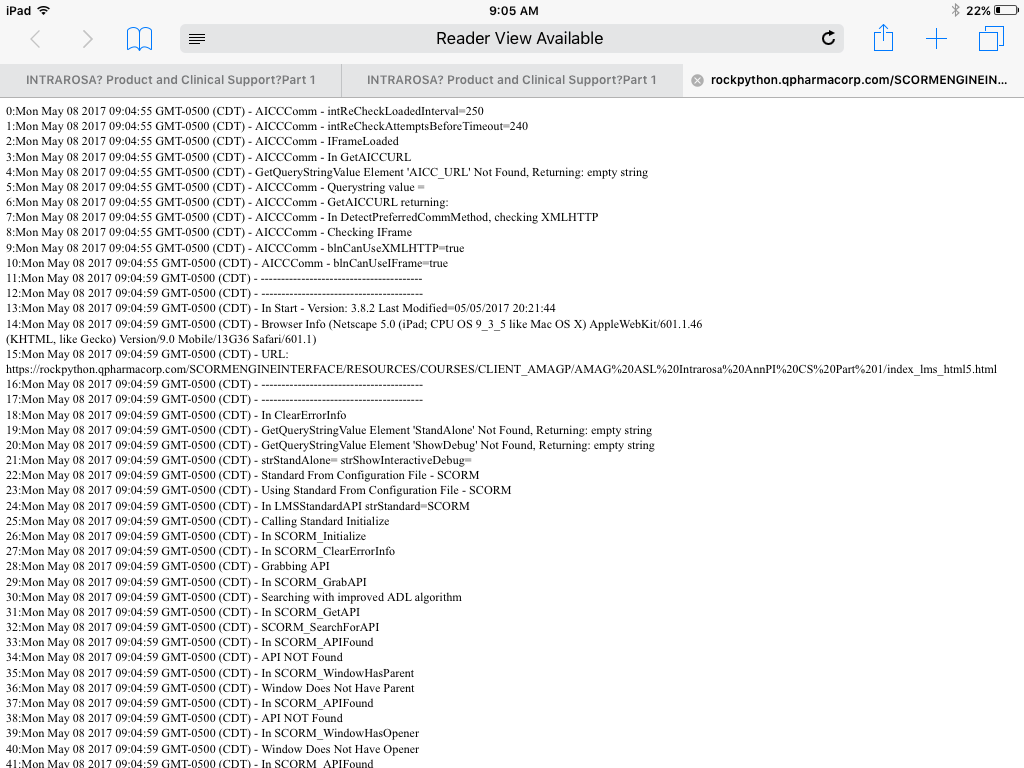
We have tested four courses dozens of times with the above settings and have crashed on the iPad. The crashing is random and we do get a debug screen (see attached). Crashing can occur at any time but seems to occur well into the course and often when clicking the previous button revisiting screens (most set to reset to initial state). But, it has crashed before finishing the course as well and when clicking Next. There is not one screen (or type of screen) that seems to cause the crash. (Can't share courses here because they are proprietary.)
We reduced the layers and removed animations but the courses still crash. We split courses in half, but they crash.
We created a 50 screen course in V3 then recreated it in V2. The course contains one screen with text, narration, a graphic, and two pop ups. The screen is repeated 25 times. I also created 25 quiz questions.
When I test the V3 50-screen course on SCORM cloud, I crash. Usually after finishing the course and then when I am going back, but it crashes.
When I test the V2 version on SCORM cloud, I don’t crash. I can go through the course multiple course times and do not crash.
Has anyone experienced this issue in either V3 (or 360)? Our thinking is that there may be an issue with V3 and that the crashing may not occur on V2, but were wondering if anyone has crashed in V3 and rebuilt in V2 successfully or has crashed in V3 and found a workaround.
We have published dozens of courses with this scope and level of interactivity in V2 and have had no crashing. This all started with V3 just recently.
Support has been good and here is their take, "Based on the series of testing performed, this occurs on iOS devices but not on Android. The initial diagnosis has something to do with mobile devices limited resource allocation which might be the cause of the issue. However, investigation is still on-going and I'll be sure to let you know for any progress." And, "It doesn't appear to be an issue specific to LMS as it also occurs when I uploaded your content in our web server. The course will crash on random slides and will reload automatically asking whether to resume or not. I've logged the issue as a possible software bug."
Regardless, we have several courses that we need to deliver for the iPad, Safari and Chrome. We have already missed our initial deadline of this past Monday. Please let me know if anyone has come across this issue. If it is a Storyline bug, it needs to be fixed immediately.
155 Replies
I do not have an update to share, but we are working on it.
- SagarPatil-84f0Community Member
Recently there are multiple patches released for Storyline-360, however Articulate is taking too much time to fix (at least) critical issues of Storyline3. This also shows Articulate's priority & seriousness about Storyline3. We are stuck with Storyline3.
- PatrickRyan1Community Member
Sagar, agreed.
Hi Sagar and Patrick,
I'm sorry for any confusion around the recent fixes. Update 12 of Storyline 360 was released early in January and there were a few things that the update broke, and needed to be fixed immediately after it was released. Our team fixed those as fast as possible, but it didn't change our timeline for the next update of Storyline 3. It's still scheduled for early this year (2018) and we'll let folks know as soon as that's released.
One of the areas our team is digging into further with the crashing of iOS Safari is the use of any custom fonts in your Storyline course. That has been a common thread with the courses which are still crashing in Safari after the fixes put in place in earlier 360 updates. Once the next update of Storyline 3 is released, you'll have all the fixes for bugs you've seen in the most recent updates of Storyline 360.
- KeithLoweCommunity Member
Thanks for the update. Question, what are the safest fonts to use? Maybe
the top 3 to 5 safe fonts when working with Articulate.-Keith
Hi Keith,
Sorry for any confusion - there aren't any "good or bad" fonts for using within Storyline, but what our team was taking a look at was any projects that consistently were crashing in mobile Safari, and to see if they were using any very large font files.
If you think that matches your scenario, we'd love to take a look. Our team would want to collect a collect a copy of the TTF/OTF/WOFF file in addition to the .story file (I think you ran into it with Presenter, so the Presenter package) to examine that potential cause further. If you've already shared your project file in a Support case, feel free to respond there with your font files too.
If that doesn't match what you're seeing, not to worry - our team is still working on this one, and the font files were just one piece we were investigating.
- DeeponMitra-962Community Member
Hi! Has this issue been fixed?
Hi Deepon,
What version of Storyline are you using? Are you also seeing courses crashing the mobile Safari browser? I'd love to know a bit more about your experience and set up, as our team is still investigating these issues.
- IngaClarkCommunity Member
We are having the same issue with SL3, running in Firefox. AND we have a major deliverable next Thursday. Any news on this? Same HTML 5, running off a server, not an LMS. Can't share files as they are proprietary. Really need help.
Hi Inga,
That sounds quite different than the rest of this discussion, where the courses are strictly crashing on mobile Safari due to the way Safari keeps the memory and what Storyline is trying to load.
Are you trying to use Firefox on a mobile device, or this is on your desktop? Have you tried testing it outside your LMS? If you could share the file, I'd be happy to help, but if you can't you could look at using SCORM Cloud. It's a free testing option for LMS content.
Also, if you'd prefer to work one on one with our Support Engineers, they're always happy to help and can sign an NDA! That may also help prevent any other confusion in this discussion since the issues are different.
- JamieDruryCommunity Member
Good afternoon,
Our team recently upgraded to Windows 10, which required an upgrade to Storyline360 as well (as far as I know, Storyline2 is not compatible with Windows 10). A large majory of our clients use iPads to take their training (over 10,000 users). We first published a course using 360 prior to the "fix" and then republished once we updated to the most recent version (about a week ago). However, this fix has not resolved the issue. The course freezes on the page that would lead into the results slide. We had to build a workaround (removing the results slide and setting the completion based on slides viewed- changing each question to unlimited attempts which ultimately requires them to pass with a 100%). This is not a viable solution long term. Is anyone able to give me insight as to why the course is still crashing after the fix was pushed through? Or when a permanent solution will be pushed through? We are using our brand standard font: Humnst.
Thank you for any information.
Hi Jamie. Thanks for providing those details. Would you be able to share a copy of this course file as well as your font files? We've been testing large font files to see if they're a common link in courses that are still crashing after our update.
If you can share those items, please upload them directly to our support team.
One thing to note: Storyline 2 can run on a Windows 10 desktop. Storyline 1, however, isn't officially supported for Windows 10.
- JamieDruryCommunity Member
Hi Crystal,
I can't provide the font files as they are licensed per user. However, I will upload the story file to the support team. Thank you for any assistance.
- SamClarkCommunity Member
Hi Jamie,
Many months ago we observed that SL 360 generates any of several JavaScript errors running in HTML5 mode. (Usually an undefined variable reference) Most are non-fatal but our LMS would terminate the course on any un-caught JavaScript error. We took steps to mod our LMS not to terminate but log the error in the background.
A wide variety of errors continue to occur at random every day. Many in Google Chrome, or on iPads, iPhones, anything playing in HTML5 mode. (We know this by tracking the browser user-agent string)
If these errors could be reproduced on demand I would forward that information.
Just a reminder that SL 360 has a way to go to clean up the HTML5 JavaScript.
Hi Jamie,
Thanks for reaching out here and sharing that you're still running into issues with this crashing. Are you able to share a copy of that course with our team of Support Engineers here? We'd like to take a look at the course, custom font, and know a bit more about the iOS versions and devices you're using.










Related Content
- 10 months ago
- 11 months ago
- 10 months ago