Forum Discussion

JesseTaber
1 year agoStaff
Storyline 360 Pros — What’s Your Favorite “Hidden Gem”? 💎
As someone who’s spent a lot of time working with (and on!) Storyline 360, I’ve come to appreciate the power in the little things — those lesser-known features that quietly make our lives easier.
H...

KairasMistry-9d
6 months agoCommunity Member
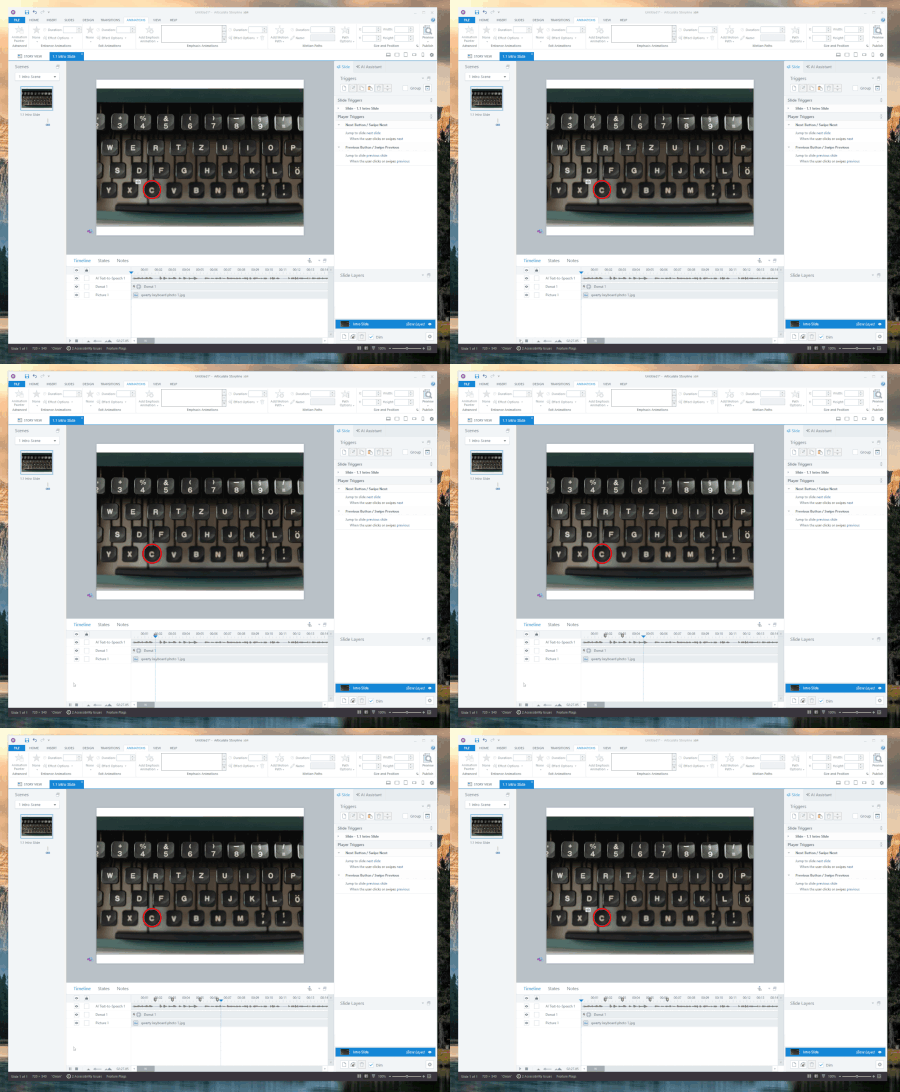
One of the "gems" that is so well hidden, I keep forgetting about, is the "round-trip" image editing.
- Right click any image on your slide
- Select "Show in Media Library"
- Select the pencil icon (lower right of the Media Library window)
- Select your preferred image editing tool i.e. Snagit, Paint, Photos etc.
- Make any edits to the image in the editing tool > Save
- Back in SL, click Insert Image (the edited image is now on your slide).
Related Content
- 1 year ago
- 1 year ago