Forum Discussion

(Kind of urgent) How do I make an icon animate across a map in multiple slides?
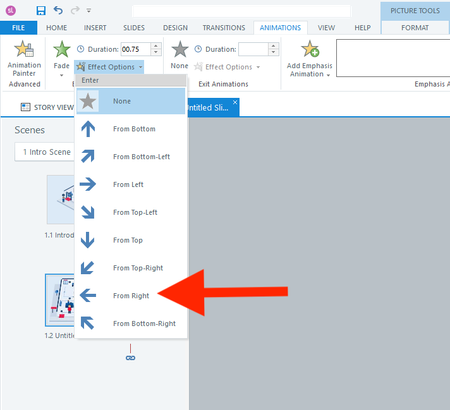

Answer 1: If you want that type of animation to start within the slide area, put the object within a scrolling panel. For details, see the info layer on the Animations slide in this Storyline Glossary.
Answer 2: It depends.
How does the user jump from one slide to another? What happens on each slide? Is that background always visible?
For example, you could keep that office layout on just one slide, and show the additional content on layers. Or have a separate slide for each station. Those could be shown by jumping to the slide or via a lightbox.
If you do repeat that layout on multiple slides, put the character in the appropriate starting position on each slide. Then a slide only needs the motion path that moves the character to the next position.
By the way, I suggest you move the numbers so they're closer to the line that the character follows. The way it's set up now, it looks like the character will move from 1 to 7, 6, 5, 4, 3, 2, and 13.