Forum Discussion

Issue with the last Storyline 360 update
Hi E-learning Heroes,
Since the last update, I encountered an issue with the storyline Triggers window. It doesn’t display the triggers after 5 to 10 minutes. The triggers only appear again once we close and reopen the file. Additionally, when you switch slides, it shows the triggers from the previously visited slide.
Furthermore, if we choose to downgrade, the update files are not accessible in the old version.
34 Replies
- ApilMathur-3ee9Community Member
Hi E-learning Heroes,
Since the last update, I encountered an issue with the storyline Question Bank.
Whenever I add the question bank and publish the module, I encounter an issue where the play/pause button and seekbar appear on the screen area. But when I remove the question bank, everything works fine. If anyone has any idea, please let me know what I should do. For reference, please see the screenshots below.
Hello ApilMathur-3ee9,
Thanks for reaching out, and I’m sorry to hear about the trouble with Question banks! I wasn’t able to reproduce the issue using the attached Storyline file with a Question bank, running the latest version. The Play/pause button and Seekbar are showing as expected.
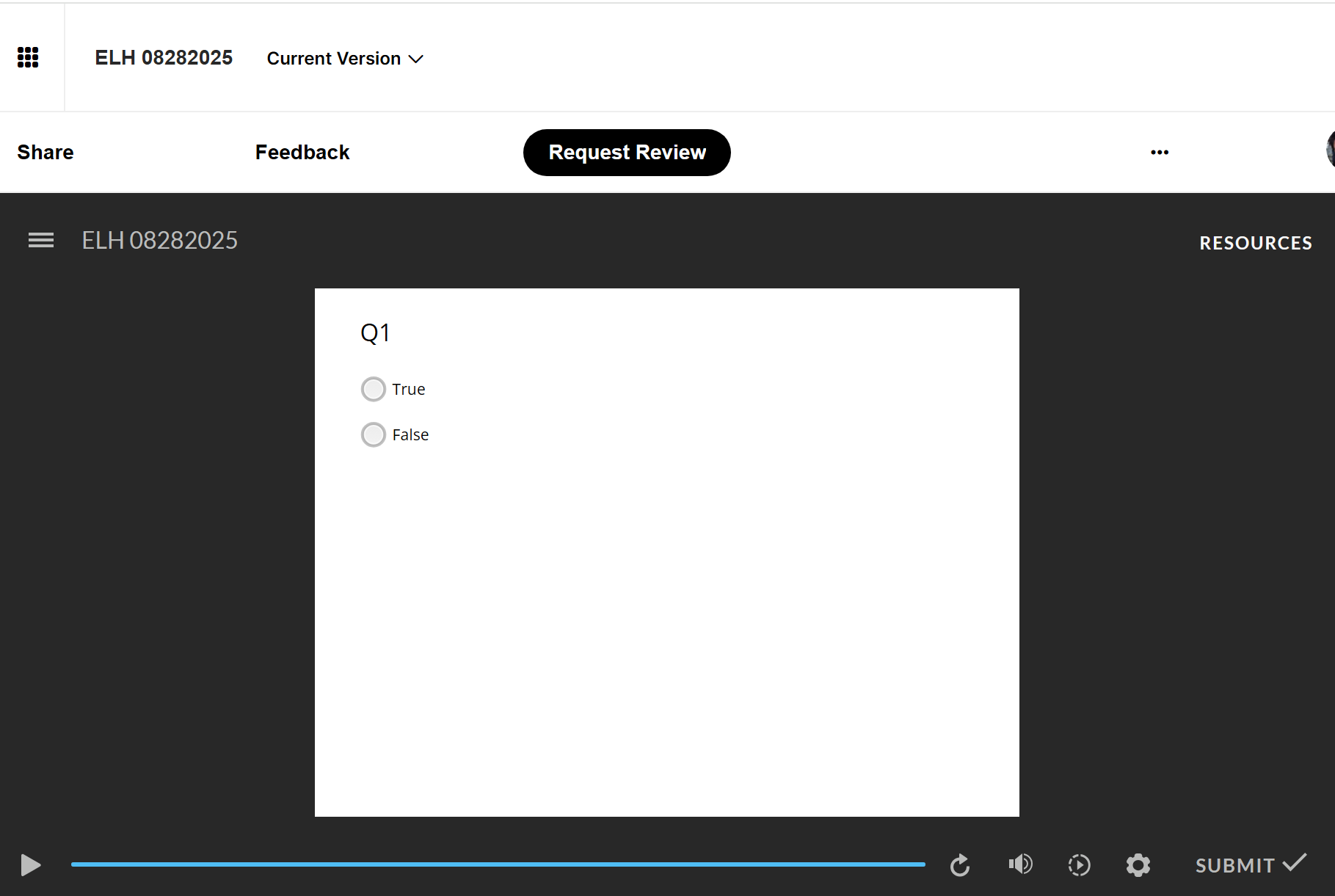
Here’s a link to my published output for reference: Review 360 Output.
A few quick questions to help us narrow this down:
- Does this happen in all your Storyline courses with a question bank?
- Are you publishing to an LMS, the Web, or Review 360?
If you’re comfortable, would you be willing to share your Storyline file so we can take a closer look? You can also share it privately with us by sending it through a support case. We’ll delete it once we’re done testing.
Looking forward to your reply.
- EvanLloydCommunity Member
This freezing Trigger panel issue has been happening to me for the last month or so. It's been getting more and more frequent recently, needing to close and re-open every 15 minutes or so in order to get each slide's Trigger panel to display correctly. The actions associated with what should be in the trigger panel are still working. However, the panel itself does not update visually until I close and re-open the file.
Hi EvanLloyd,
Thanks so much for reaching out about this. I'm happy to help!
Can you please confirm if you're using the most up-to-date version of Storyline? We're currently on Build 3.102.35072.0. If you're on the current version and are still experiencing this issue, I'd like to take a look at your file and connect you with our Support Engineers. Please feel free to open a case or let me know here and I'll happily open one on your behalf!
- EvanLloydCommunity Member
Thanks Kelly,
I did confirm I'm on the latest version of Storyline and I'm working off of a file stored locally on my machine. It's tricky because it's an issue that's hard to replicate. Yesterday, it was happening every 10-15 minutes as I said. Today, it didn't happen until about 5 hours in to working, and it's only happened once so far. I wonder if it has to do with some sort of cache or memory being full?
- TIMOTHYKUHN-533Community Member
update posted above fixed my issue, thanks!
- TIMOTHYKUHN-533Community Member
I may have applied a corner radius effect on the image, within the scroll bar - if so, I suspect that may be causing the issue. - However, to fix it, I have to be able to get it to open first to unapply the corner radius effect on the image.
- TIMOTHYKUHN-533Community Member
- JakobGierlCommunity Member
Hi,
I still experience this issue.
The trigger window does not show the triggers of the selected slide, but shows the triggers of another slide (section 1, slide 2) no matter on which slide I click.
Should this have been fixed with the latest update? I have installed it...
Hi, everyone!
I have some great news to share! We just released a new version of Storyline 360 (Update 101), which included a fix for this issue:
- Saving a project created from an earlier version of Storyline that included a rounded rectangle caused backward compatibility issues.
To take advantage of this update, launch the Articulate 360 desktop app on your computer and click the Update button next to Storyline 360. You'll find step-by-step instructions here.
Please let us know if you have any questions by posting here or reaching out to our Support Engineers directly.
- TIMOTHYKUHN-533Community Member
trying this update now. thanks
- SaumitrajoshiCommunity Member
It appears that there are ongoing issues related to backward compatibility.
Please take a look at the steps I followed when I faced this issue:
- I updated my Storyline 360 application to the most recent version, released on June 17, 2025.
- Subsequently, I utilized the rounded rectangle feature and saved my file.
- I then downgraded my Storyline 360 application to the version released on April 29, 2025.
- Upon attempting to open the file, I encountered the following message.
- JenniferWhite-8Community Member
I have an issue with previewing my slides. Once I am in Preview mode, I see only the master slide with none of my content on the screen. It see the three dots just moving and nothing happens. I have also had issues with layers not showing or not being able to add triggers to show and hide the layers.
Hi JenniferWhite-8!
Sorry to hear you're having trouble working with Layers, Triggers, and previewing your Storyline content!
The issue being discussed in this thread is related to a Storyline bug causing the Trigger panel to disappear, or display the incorrect Triggers when switching Slides. It sounds like the behavior you're facing is a bit different, but I'm happy to troubleshoot this with you! I have some follow-up questions to help get us started.:
- Are you working with locally-stored .story files? Working off of a network, or shared drive may introduce erratic behavior.
- Have you tried performing a repair of your Storyline installation to see if that makes an improvement?
- Are these issues specific to one .story file, or do they occur across all projects you build?
Also, it would be easier to offer suggestions, if we could see a copy of the .story file, as well as a screen recording of the behavior you've described. Do you mind sharing those items here in the discussion or privately through a support case?
Thank you. Looking forward to hearing from you!
- AlethiaJoseyCommunity Member
Hi KellyAuner - Can you please open a ticket for us too? One of my designers is having the same issue as reported here and it's causing delays with our project. She states "I am unable to open the project I am working on if I roll back the new update. I get the same error message about shapes using corner radius. The triggers panel will occasionally show the triggers from another slide or layer. The top menu items will be gone. The format option will not appear for the shape chosen. Clicking on something else on the screen, then the shape I need to format, will bring the format tool back, but that only works sometimes. I tend to see these things happening more often when I am copying and pasting assets from one slide to another or layers. The only sure fix is to save (if SL is not frozen, then it has to be forced closed), then close the application and reopen the project again. This really slows me down in developing, and at times have had to redo changes already made." Please advise how we're able to proceed forward?
Hi, AlethiaJosey!
Thanks so much for sharing how this is impacting your work. I've opened the support case and included your feedback for our engineers to review. They'll be in touch via email to begin troubleshooting.
- dawnhochbergCommunity Member
KellyAuner We are having the same issues on our team. Pictures are all curved corners and triggers are disappearing. Is there a timeframe on next update to correct this issue? Thank you.
- SamParCommunity Member
Hello. Is there any update on when this bug will be fixed? As the original poster mentioned, it's extremely disruptive to have to save/close/reopen the Storyline file each time the project starts acting wonky, which seems to be every few minutes.
Hi SamPar,
I don't have an update just yet! I've opened a support case for you so that our Support Engineers can continue troubleshooting. Thank you for your patience as we work through this!














Related Content
- 8 months ago
- 3 months ago
- 9 months ago